After holding an ordinary staff role for just one year as a freshman, leadership is a skill I have been able to grow into and continually refine for three school years, supported by my mature behavior from an early age. I went from a sophomore who was thrown in the deep end as Photo Editor-in-Chief only knowing lots about how to make good frames, to a senior who's been around the block and has the sheer experience of learning and implementing systems that work well for team success. I work more closely with my team of photographers, often mentoring them on basics and talking through photo edits. My photos not only serve stories, but have become the means to educating, inspiring, empowering and unifying our staff.
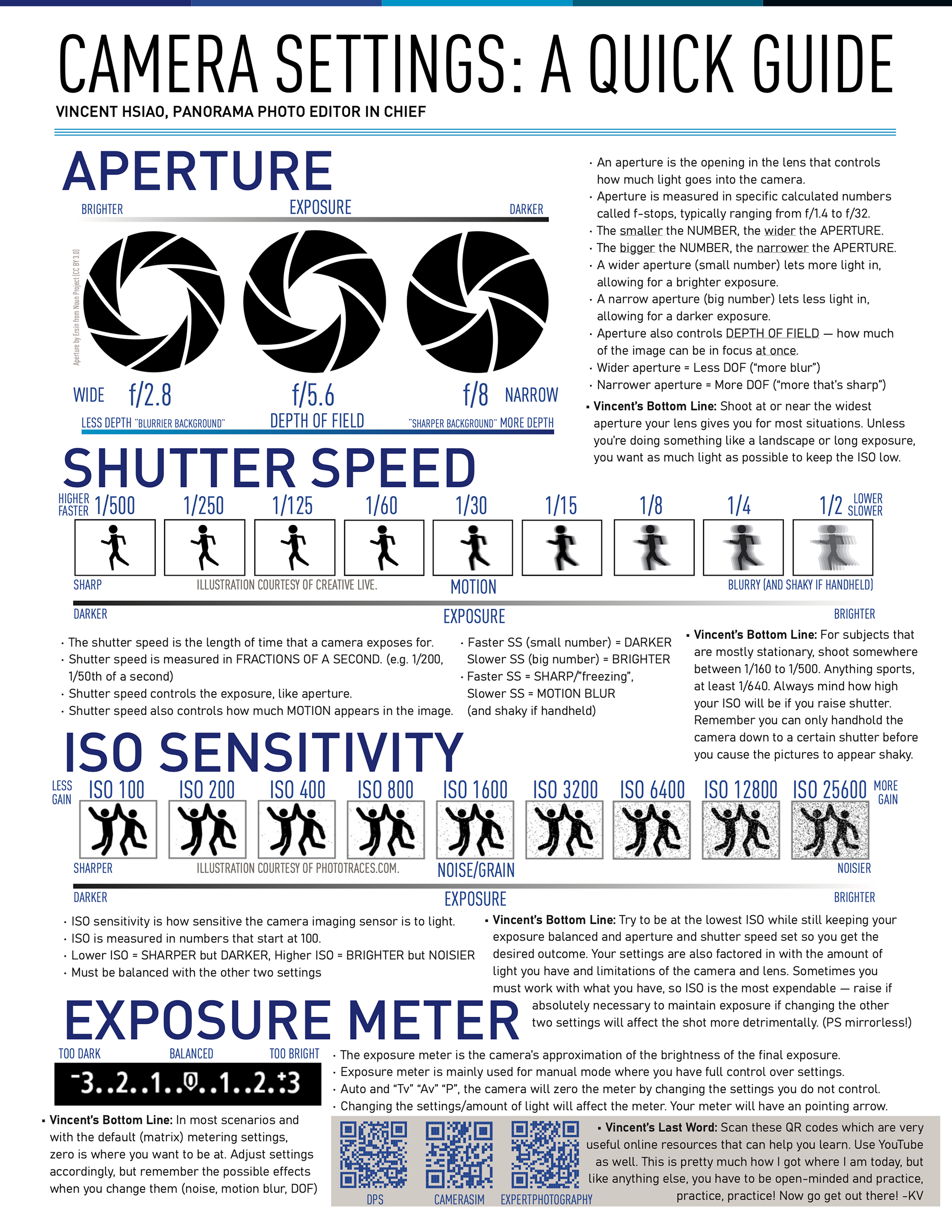
Camera Settings Guide (1-pager and video, December 2023)
Using InDesign, I created a lasting, beginner-friendly camera settings guide (with a short companion video made in DaVinci Resolve) to allow for quick familiarization for new photographers, and to reduce the “guesswork” on assignments. It breaks down the main three camera settings, aperture, shutter and ISO and gives practical “bottom-line” settings for common scenarios so staff can work sports, student life and portraits with usable starting points. QR codes linking to the very photography websites I used when I first started out leave the door open for eager staffers to further their knowledge on their own. This sheet is posted not far from our camera equipment checkout and is inherently designed to stay relevant year-to-year as I make my departure from Ladue Media.
National Convention Presentations (Spring 2024, Fall 2024, Spring 2025)
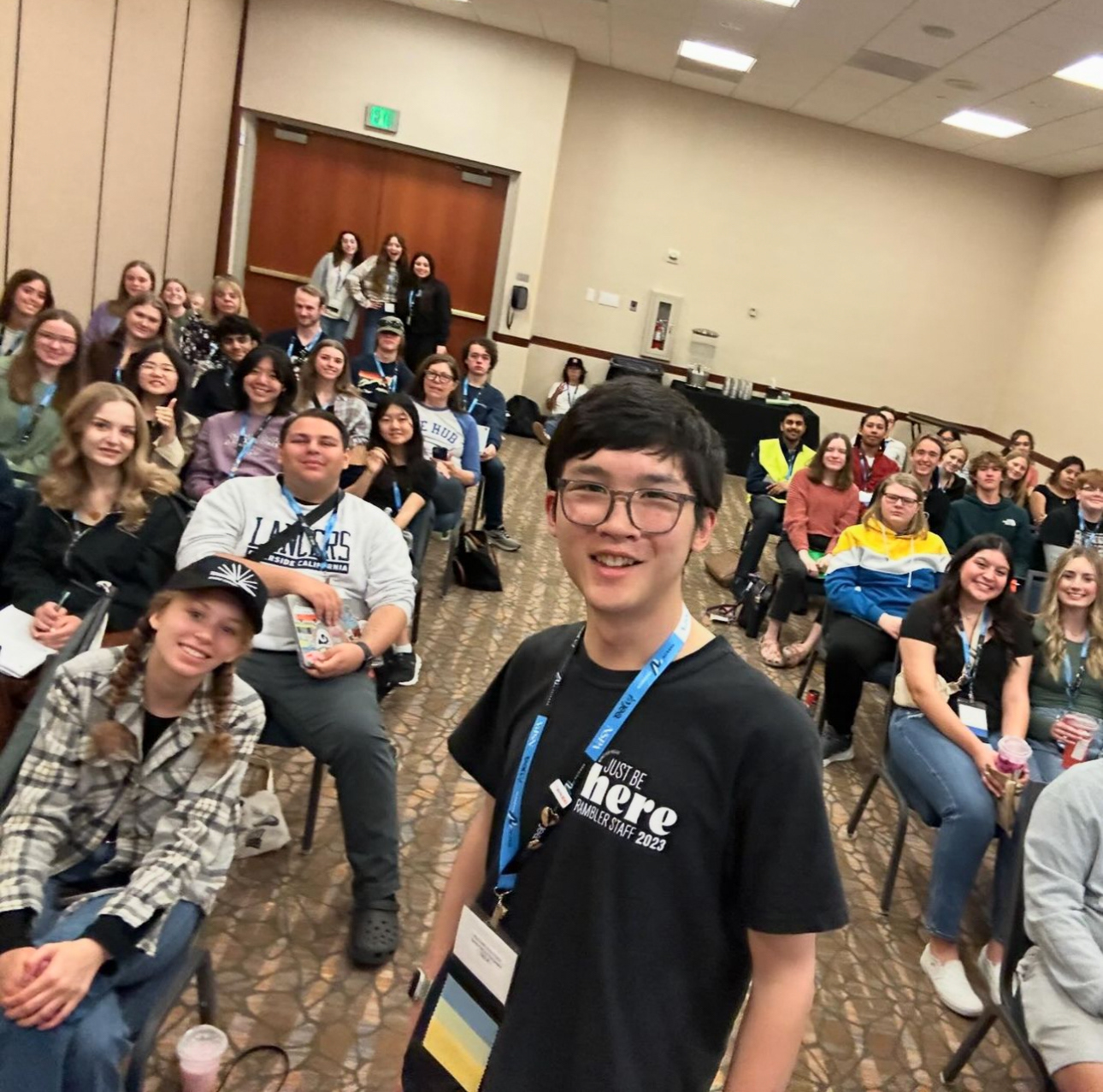
Teaching beyond my newsroom, I presented sessions for student journalists at three different JEA/NSPA NHSJCs, focused on building an efficient, professional photo workflow and best practices in the area of sports photography. I covered lots, from camera gear considerations, field positioning, post-production, software setups as well as the “journalist” responsibilities that come with photojournalism. I implemented many of my work examples for the audience to visually understand. Often, I believe the best way to become a better journalist is by looking at exemplary works; this is no different for visual journalism. Thus, I encouraged my audiences to look at professionals’ photos published on AP Newsroom and the Instagram pages for newspapers and other wire agencies.

My first time presenting, group photo at the end. NHSJC Spring 2024 Kansas City

All content by me. I only bylined Kirksey because she registered me as a speaker.

Letter of recommendation excerpt from adviser Sarah Kirksey:
"Vincent has also made a name for himself on the national level. He has attended nearly every national journalism
convention (only missing fall of 2025 due to a state swim meet) where he has presented sessions about
photojournalism three separate times, each to a room packed full of students and advisers alike. I remember the
first time he presented, I felt so nervous for him as he kept refilling his water cup before the presentation. He was
shaking a little, but when he started, he owned the room. He knew exactly what he was talking about, and the
room was full of people who spoke the same language, camera, and I remember feeling so proud and taken
aback. Here was a kid, 15 at the time, presenting like a professional to over 50 people who were in awe of
everything he had to say. When his session ended, kids swarmed him to ask questions and get his business card.
He was a genuine rock star."
Staff Boot Camp Tutorials
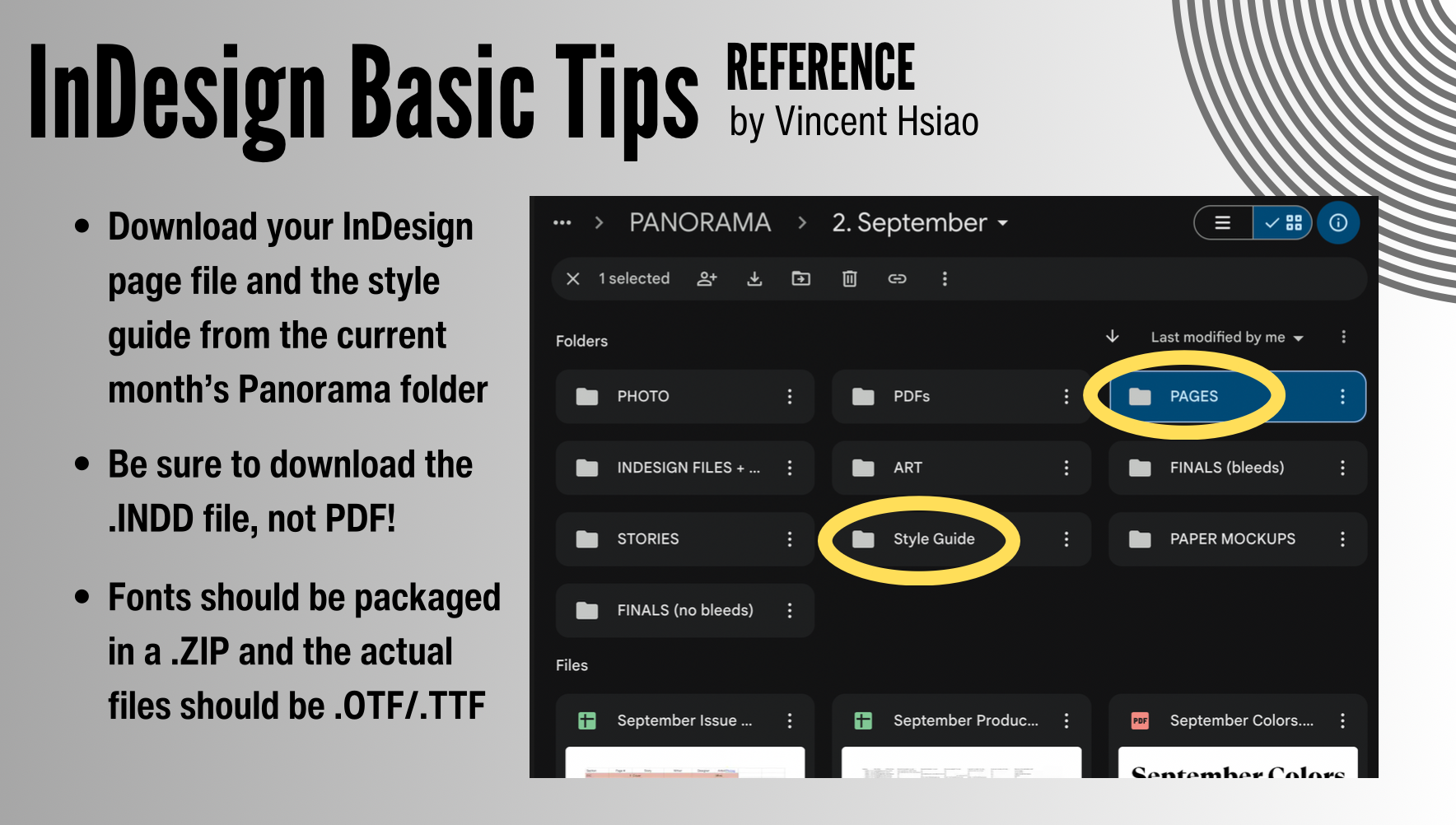
With the goal of helping build staff independence, I made several training pieces that have been used in editor-led “boot camp” sessions. My InDesign guide covers practical survival skills — installing fonts, using the style guide, exporting correctly and organizing files — plus the most important habit: always saving your file to prevent lost work. My photo composition presentation teaches easy-to-learn framing principles and an emphasis on “hardware doesn’t matter” for creating great stills. Together, these scholastic resources help transfer my knowledge and reduce redundancy in reteaching skills.
Photo Request + Assignment Tracking System
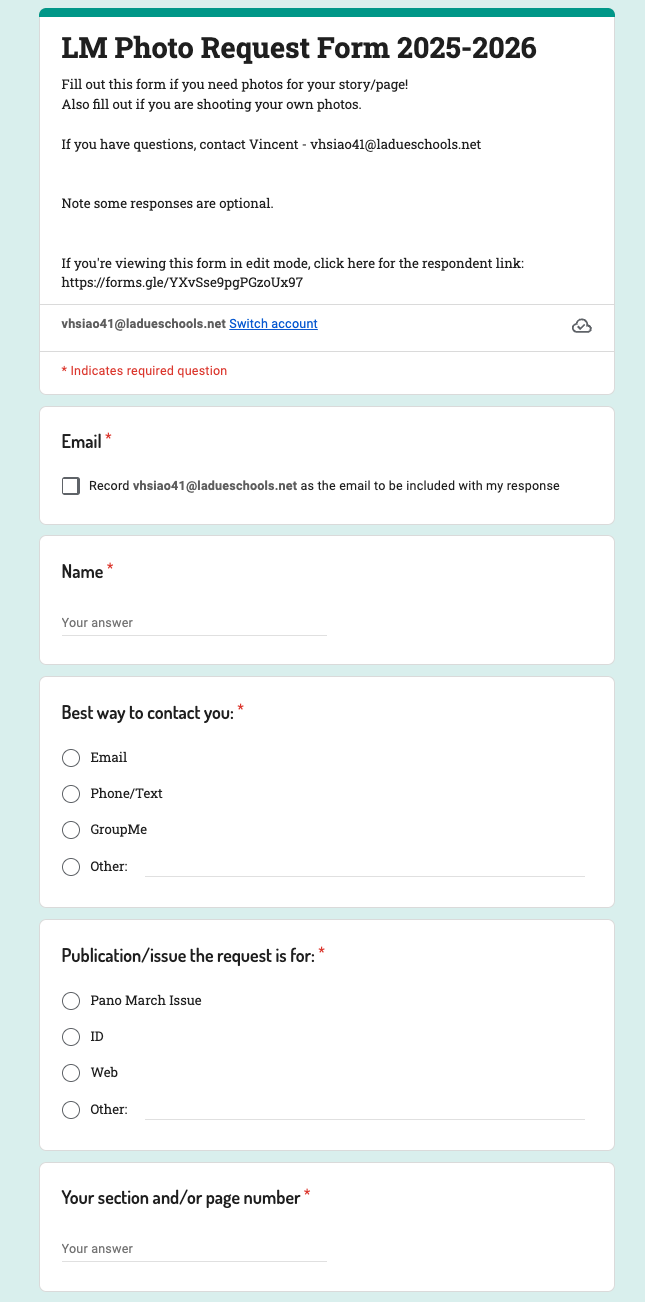
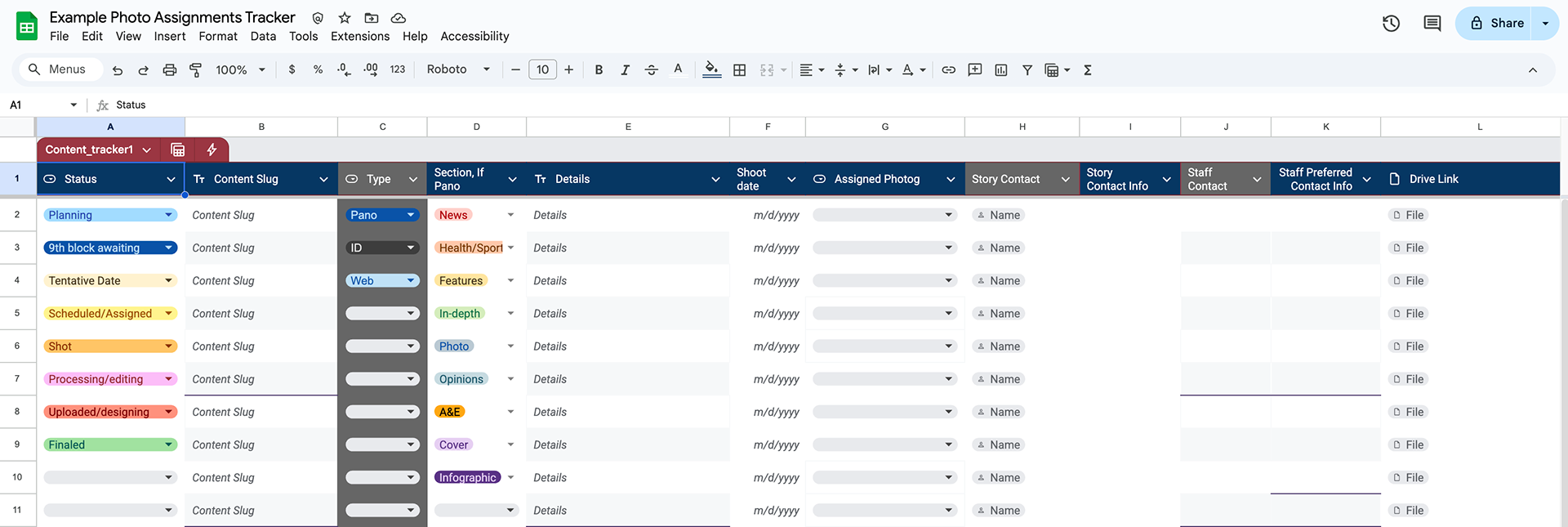
When I became Photo EIC a few years ago, I replaced a paper request process with an online system: a detailed photo request form, plus an assignment tracker that moves requests from planning, to scheduled, to shot, to editing and final delivery. Refresh and repeat with a new spreadsheet each month. The form standardizes what a photographer needs to succeed (story context, logistics, shot ideas, contact info) and also allows for writers shooting their own photos so I can advise and check quality/feasibility. This system makes our coverage more reliable and helps maintain an accountability paper trail of our operations. Diversity-wise, this is an equitable access system to ensure any section and any staffer can access my photo team, not just the loudest/closest/most comfortable connections.
​​​​​​​See Commitment to Diversity
How does this tracking system work in practice?
Remember that this is a tool, thus the human must leverage it with their personal skills. The Panorama newsmagazine runs on a three-week cycle: content collection week, copy week, production week. The photo team is not rigidly attached to this cycle, as it primarily applies to staffers writing the stories. My job as Photo EIC is to ensure photos are in as early as practical, ideally no later than early production week.

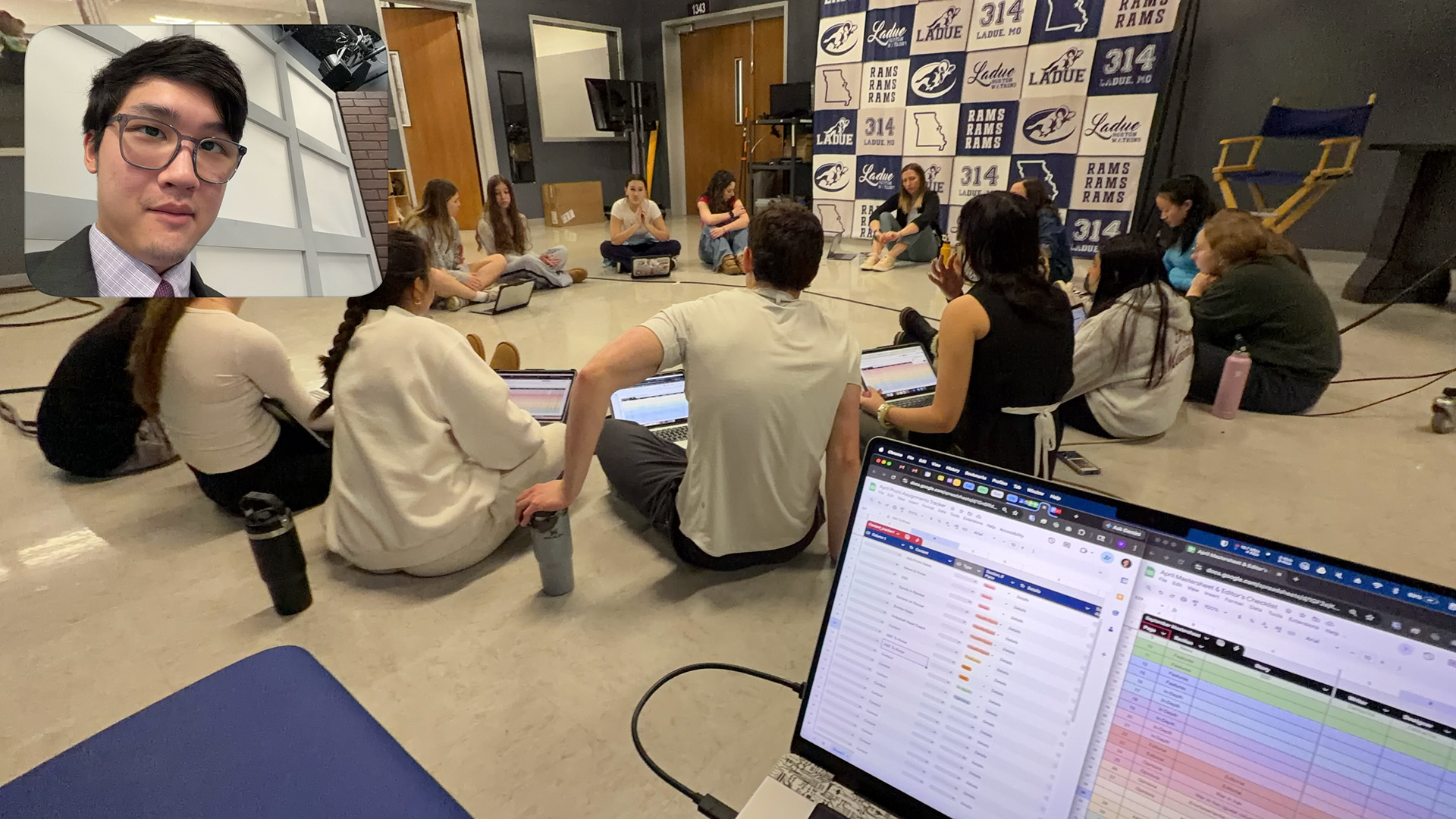
"Shark Tank" story pitch occurs before content collection week. In a circle, the editors-in-chief will listen to each section's story plans, one section at a time. I will listen, comment and recommend details pertaining to photography. As Photo EIC, I'm taking notes of what to expect for photo requests which are due the following week. The earlier I can start making plans for photos, the better.

During content collection week, I receive requests and schedule photos with each staffer accordingly — making the effort to walk between each section and have one-on-one conversations. Between me and my few photographers, photos are then shot and edited during copy week and production week. I will give input and feedback throughout the entire process, from initial idea to send-off.
Editing In Action: Copy
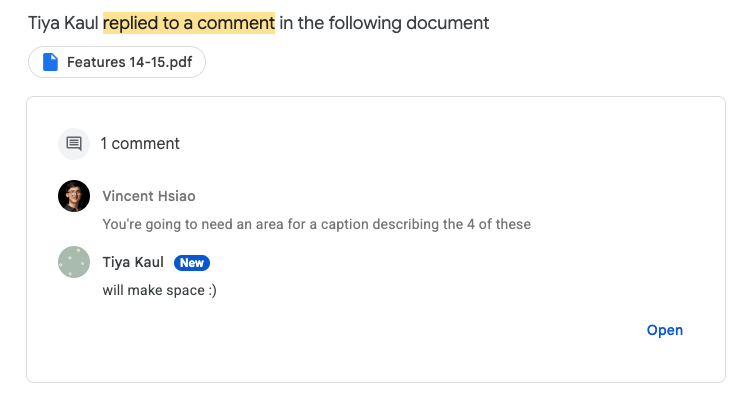
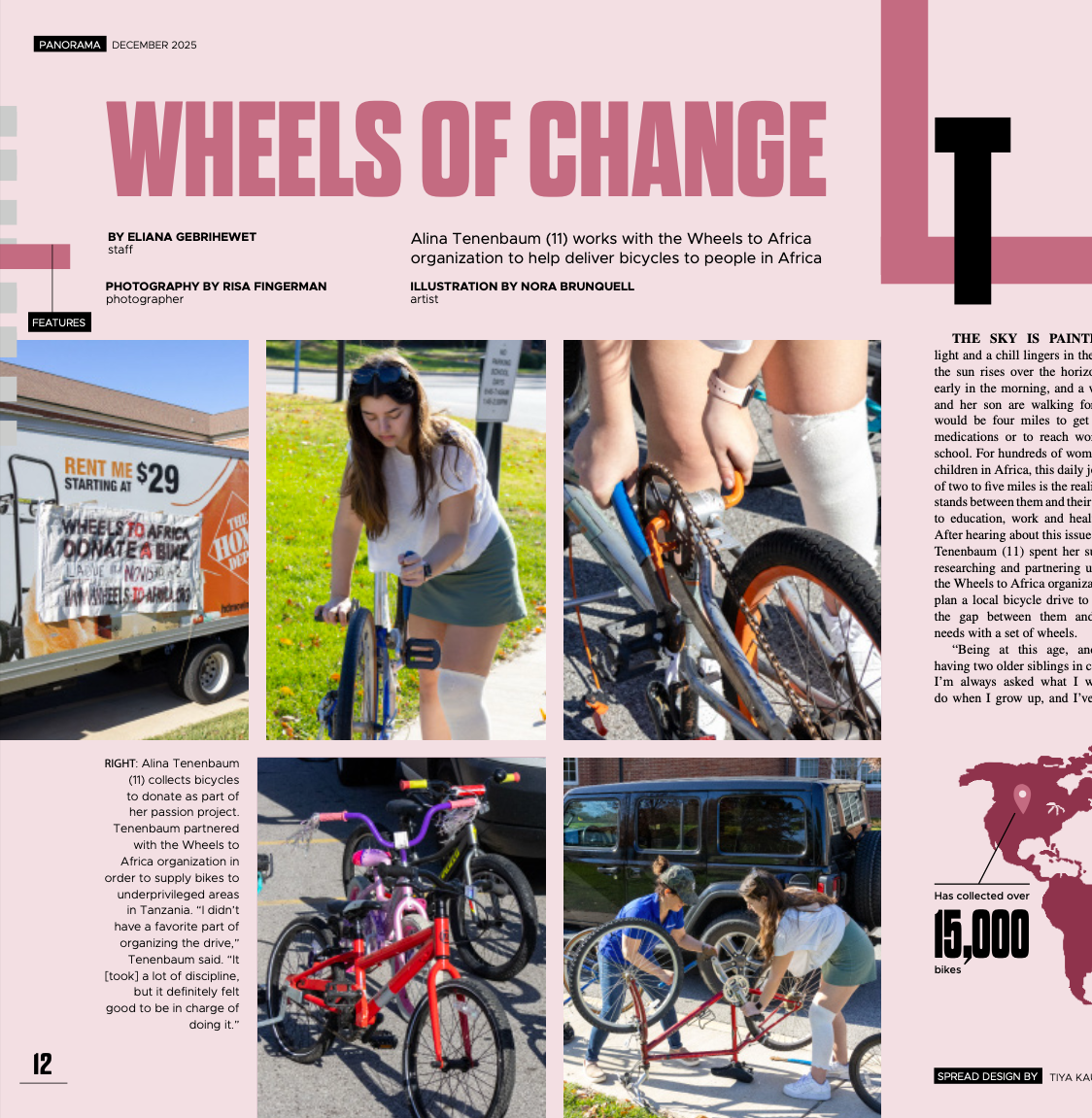
A major part of my leadership is making the final product stronger through specific and actionable edits, especially on visuals and captions. In one recent Pano feature story, I flagged a missing element on the initial mockup: the photo gallery needed space for a caption that provided a brief context of the event. The designer implemented the change soon after. Another example was ensuring a photo subject was named in the caption, one more asks for including a date of the photo as well as photo credit for journalistic accuracy. For brevity, these are just a few ordinary examples of day-to-day edits I could find in my email — editing history is a little tough to find as early PDF versions are deleted from our Drive after a month, and early temporary versions are quickly replaced, so final versions are shown.
Final print. Tiya made the edits accordingly by including the caption area in the bottom left. All credits to the respective bylines as seen in the screenshot.
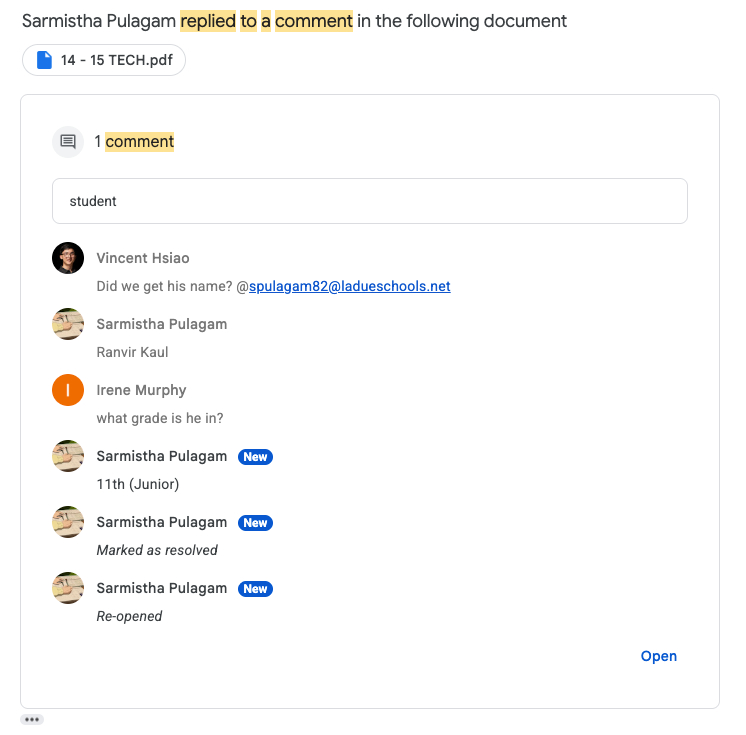
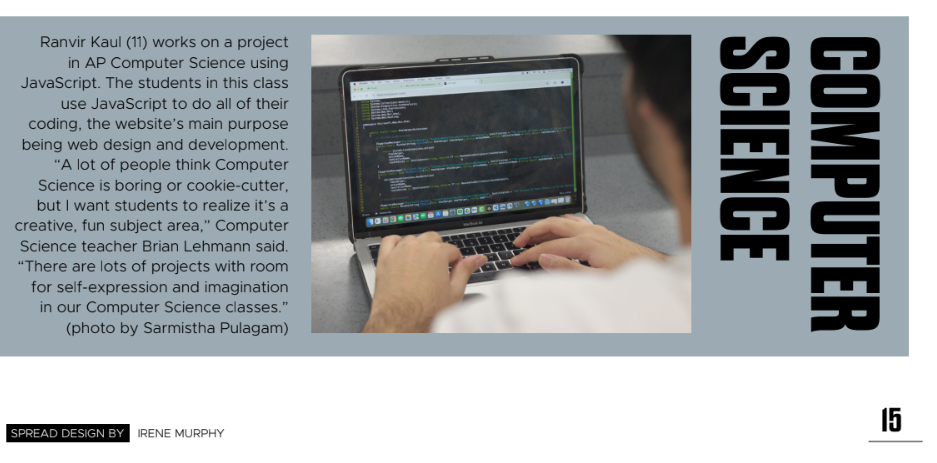
Final print. The staffer added the subject's name with the help of the photographer's knowledge.
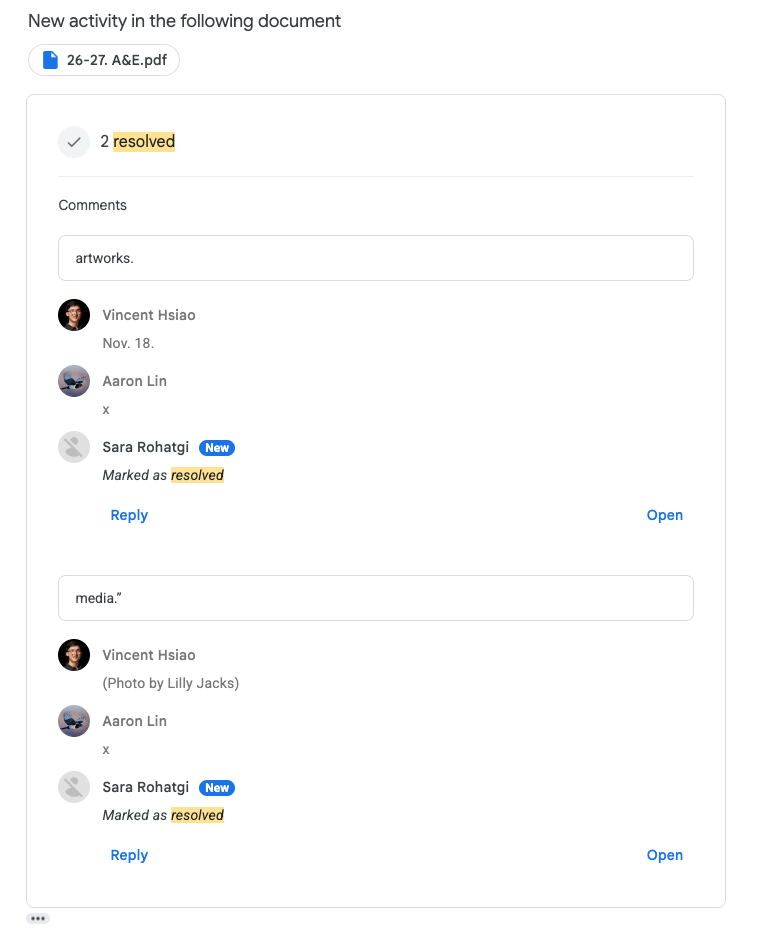
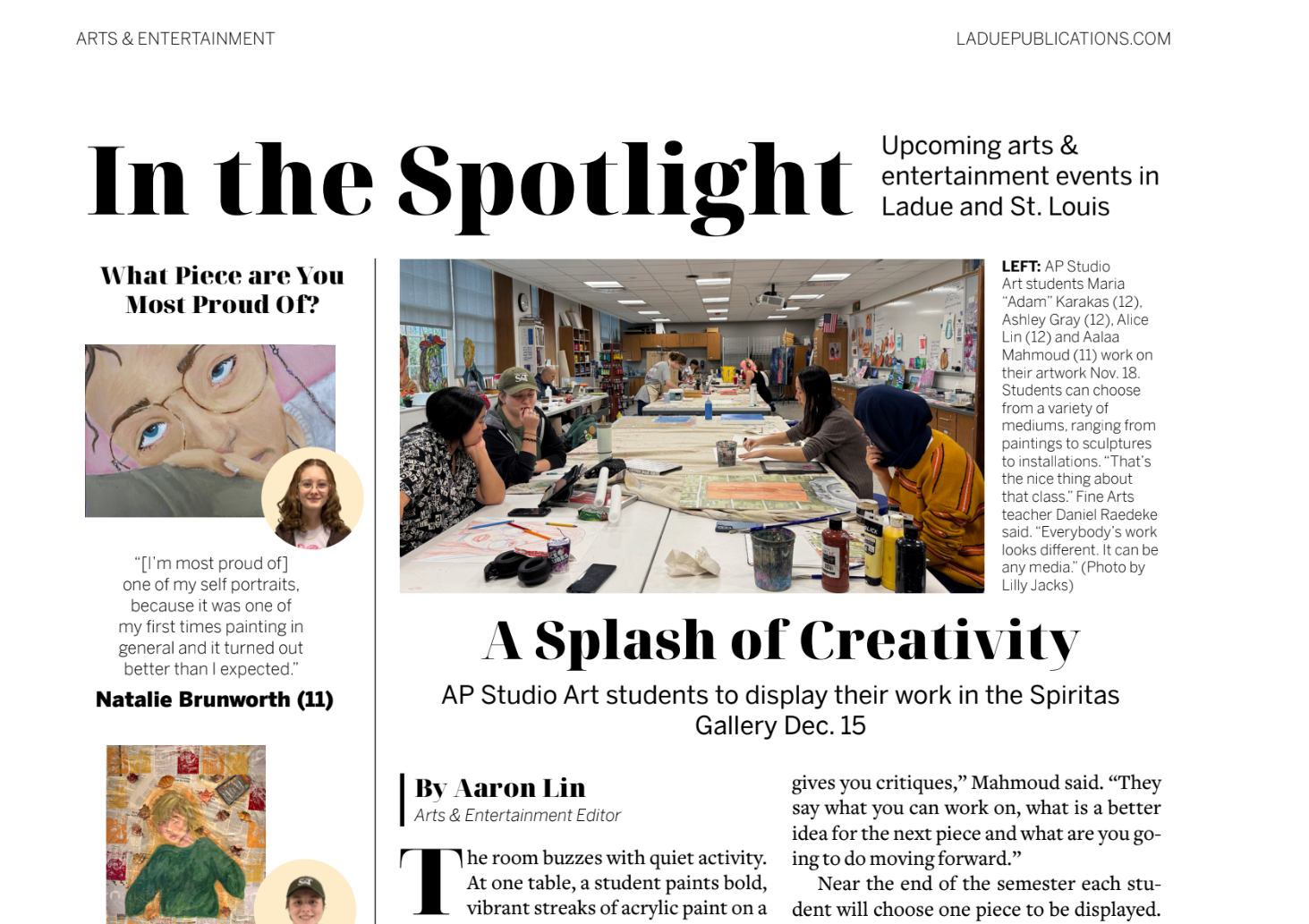
Final print. The staffer added the date and proper photo credit in the caption.
Editing In Action: Staff Photographers' Photos
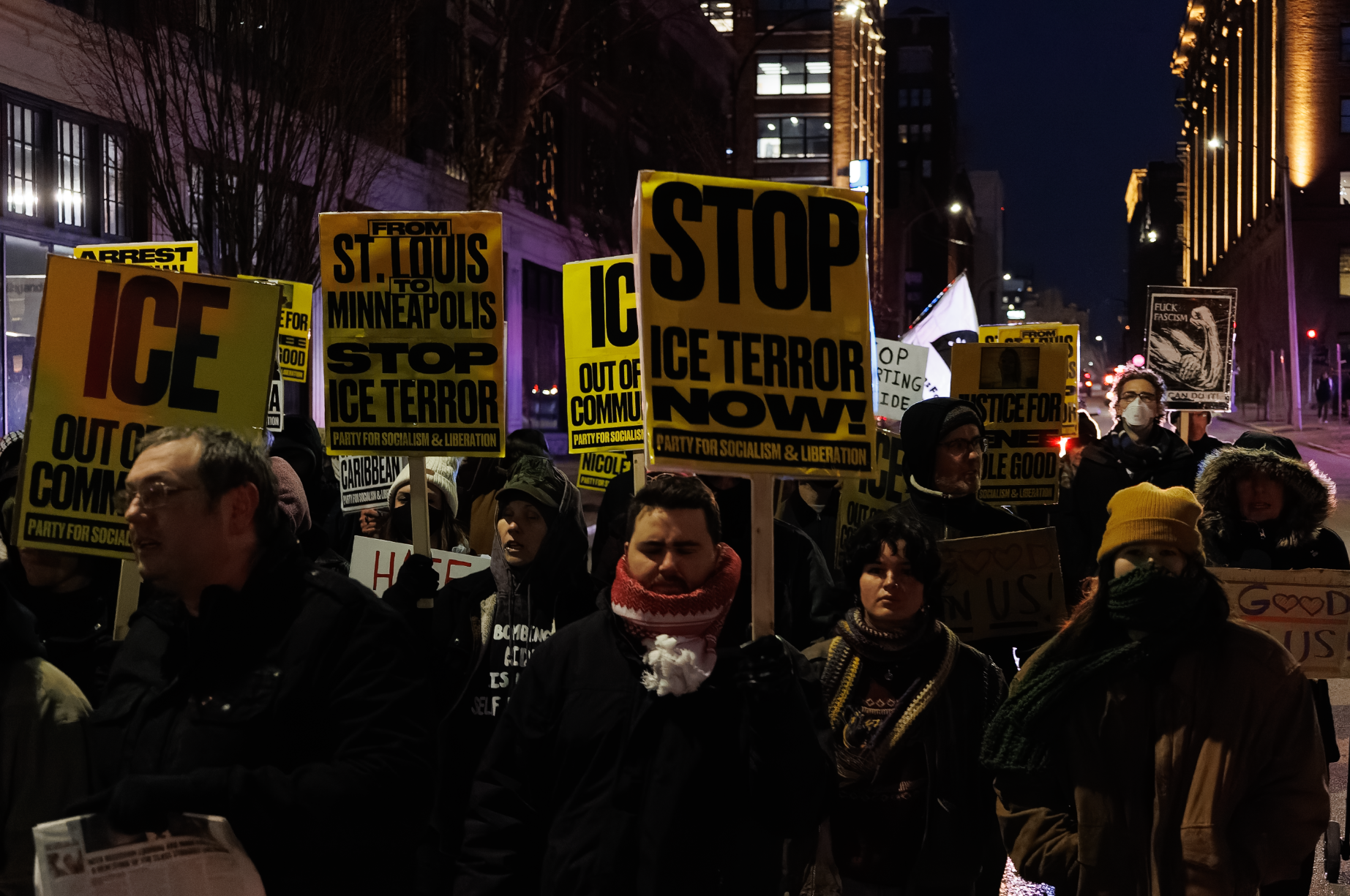
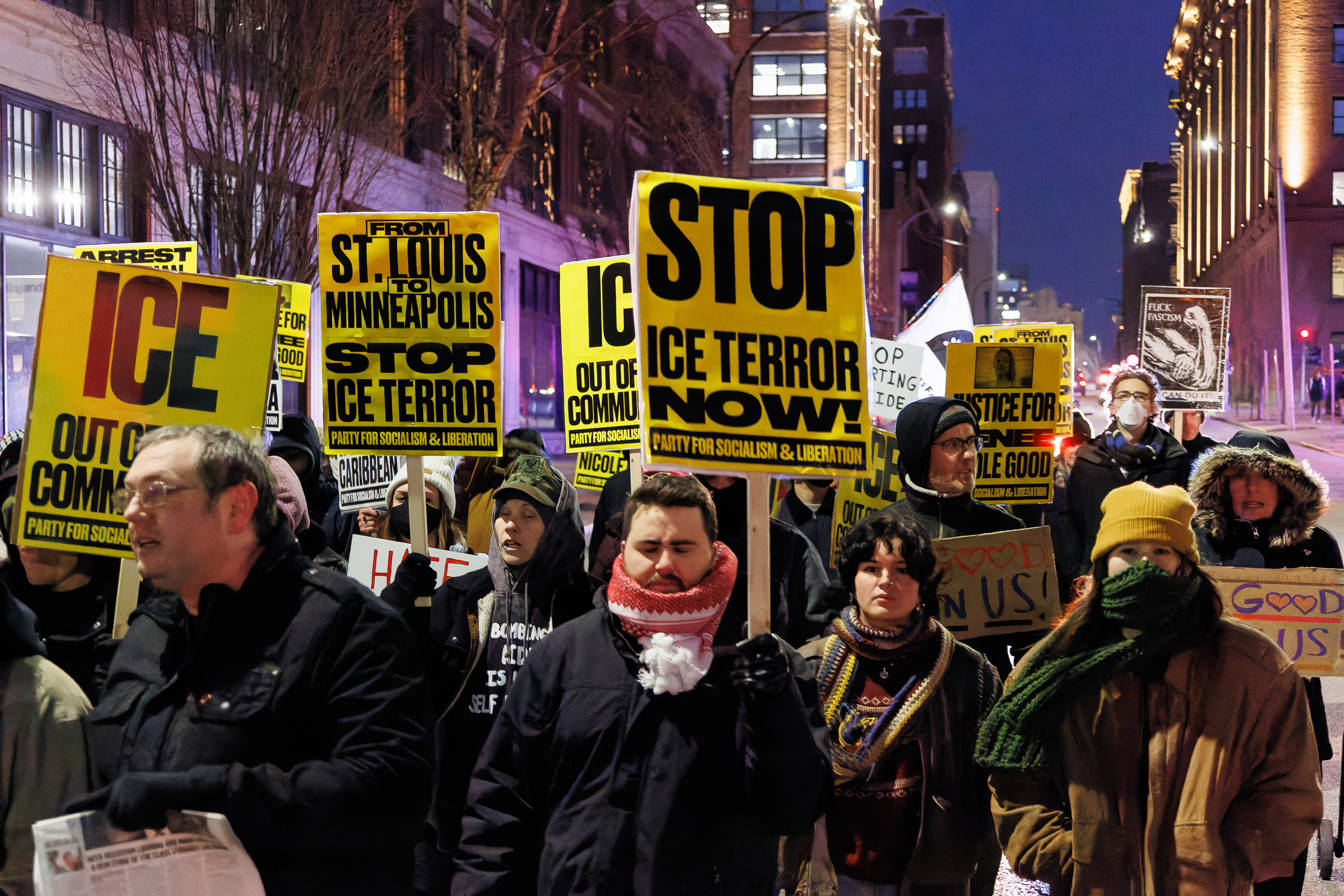
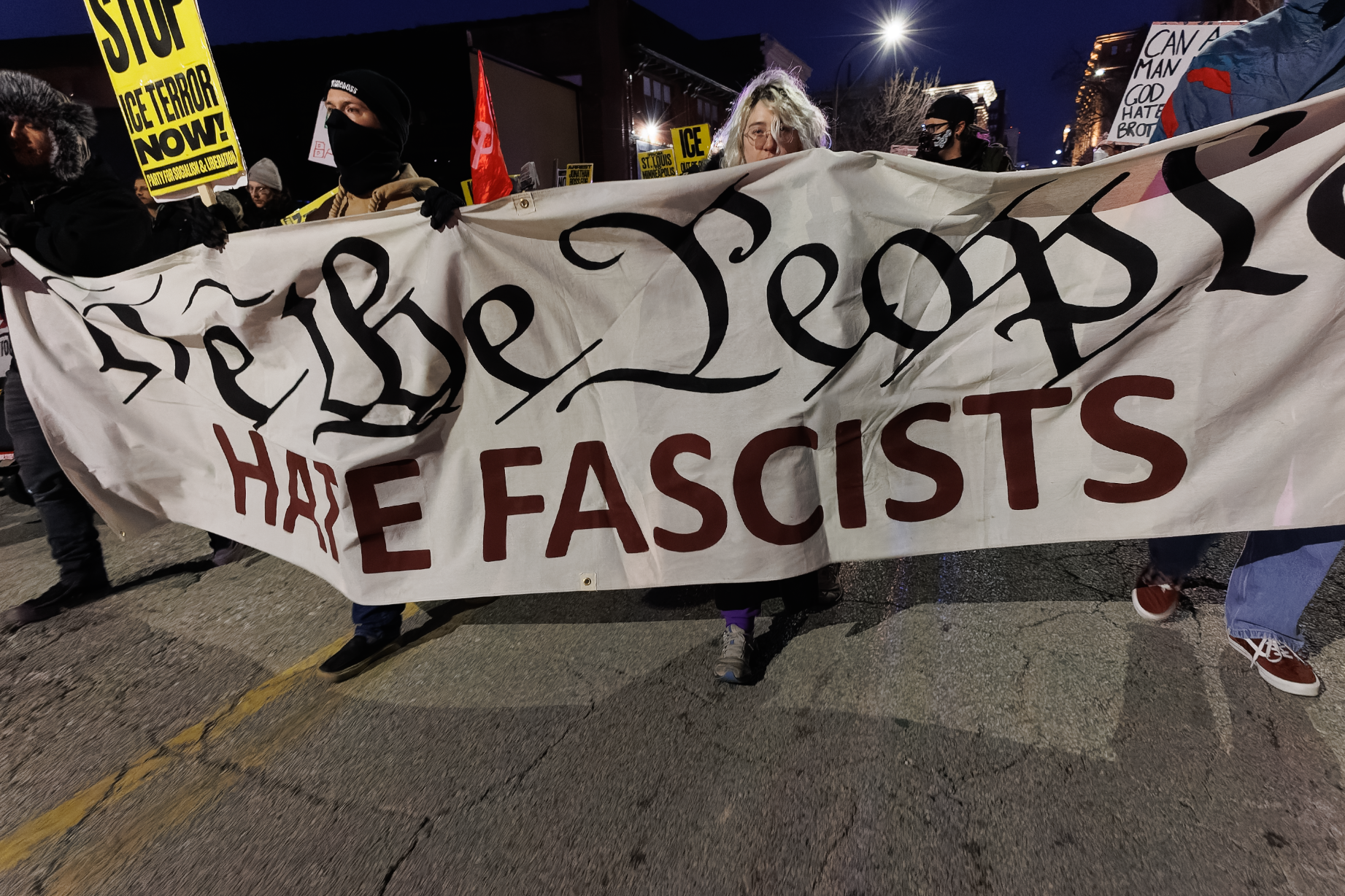
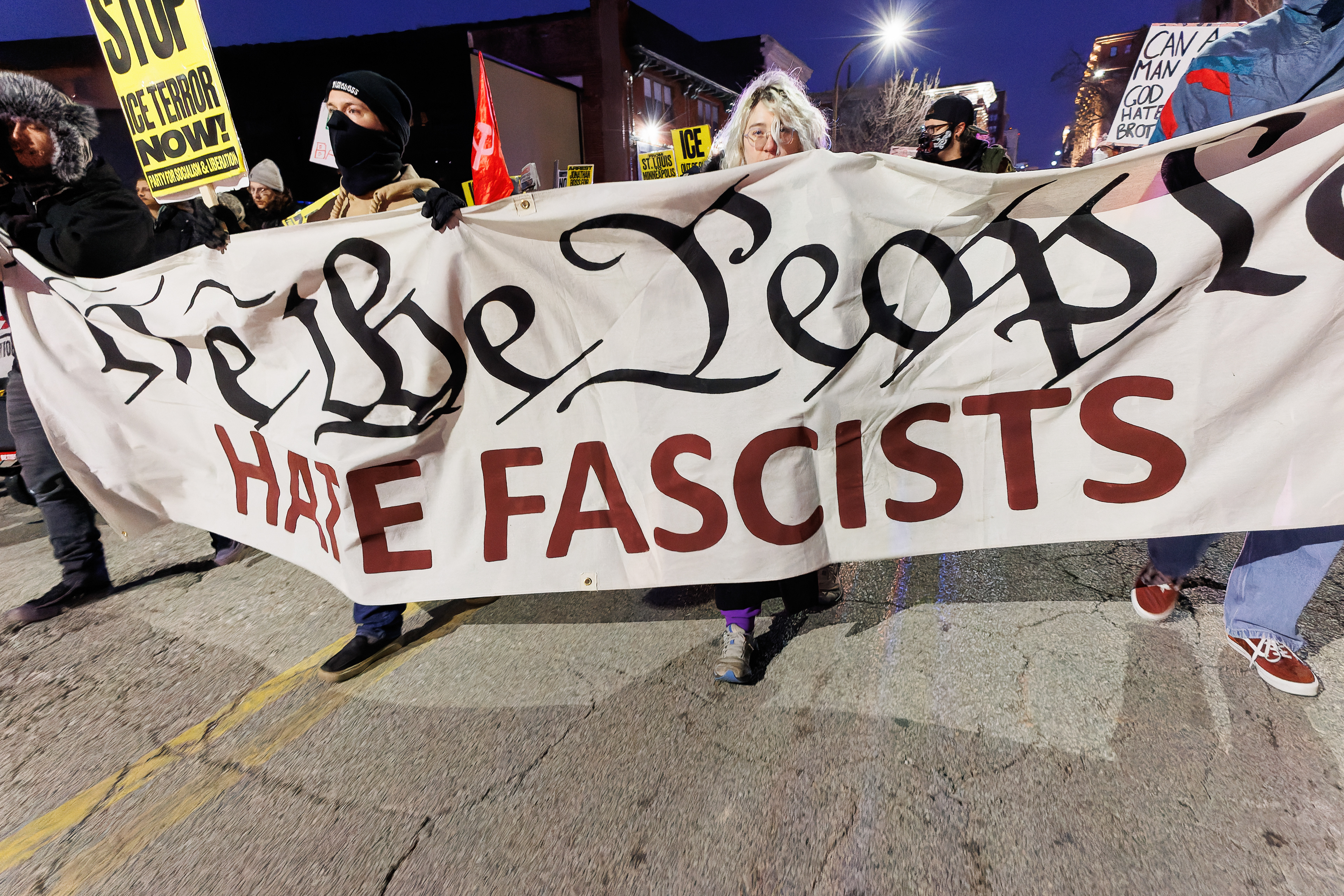
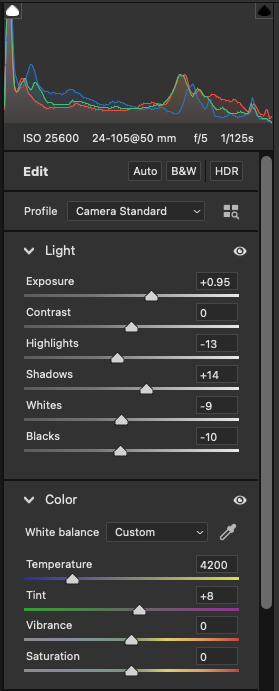
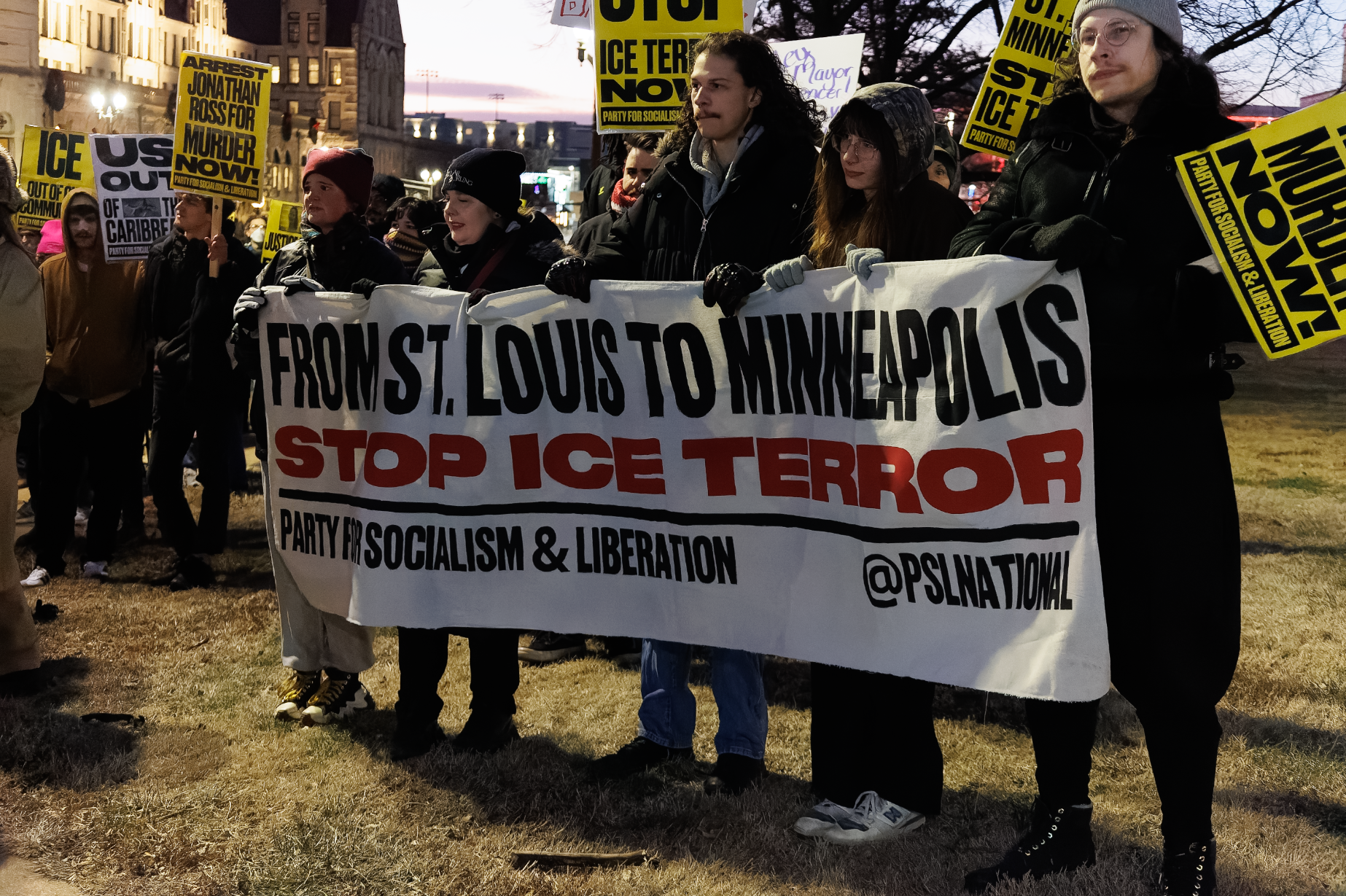
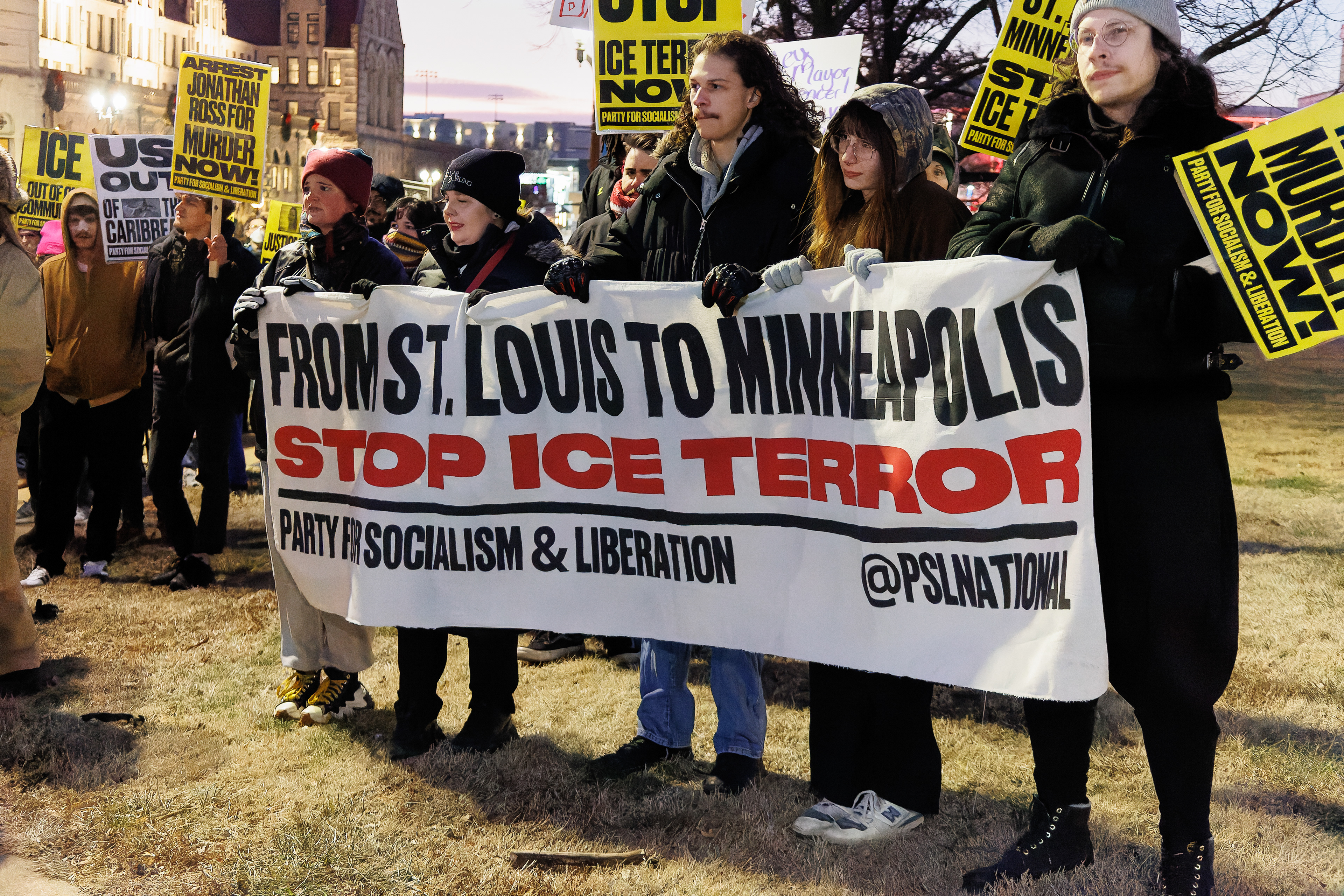
Within a small team of 3-4 staff photographers, it is an informal, relaxed, comfortable environment for editing their photos and providing feedback and instruction. A recent example was with Caroline Cobaugh and her photos of a local protest on ICE enforcement. I would have felt very bad if I left her with a camera and nothing else going into a significant news event happening at dark. The morning of the protest, I reviewed camera settings with her, giving simple ranges she should stick to and explaining situations where she'd have to adjust them. Looking at the RAWs straight out of camera, I was impressed and gave her praise right away. After photos were selected for edits, I took over editing for this shoot, but sat down with her and talked out my editing choices as they relate to correcting the photos in an ethical, moderate manner, answering any questions she had. I also reviewed her camera settings from the metadata for each shot and explained what to change for next time. This was just one average example of the many photo edits I assist photographers with — editing with feedback in mind, not just doing it for them.

Before

After

Photos by Caroline Cobaugh. Published in February 2026 Panorama

Screenshot of edits I made in first photo with camera settings visible for feedback. I talked out each slider and why I changed it.
Editing In Action: My Personal Photo Workflow
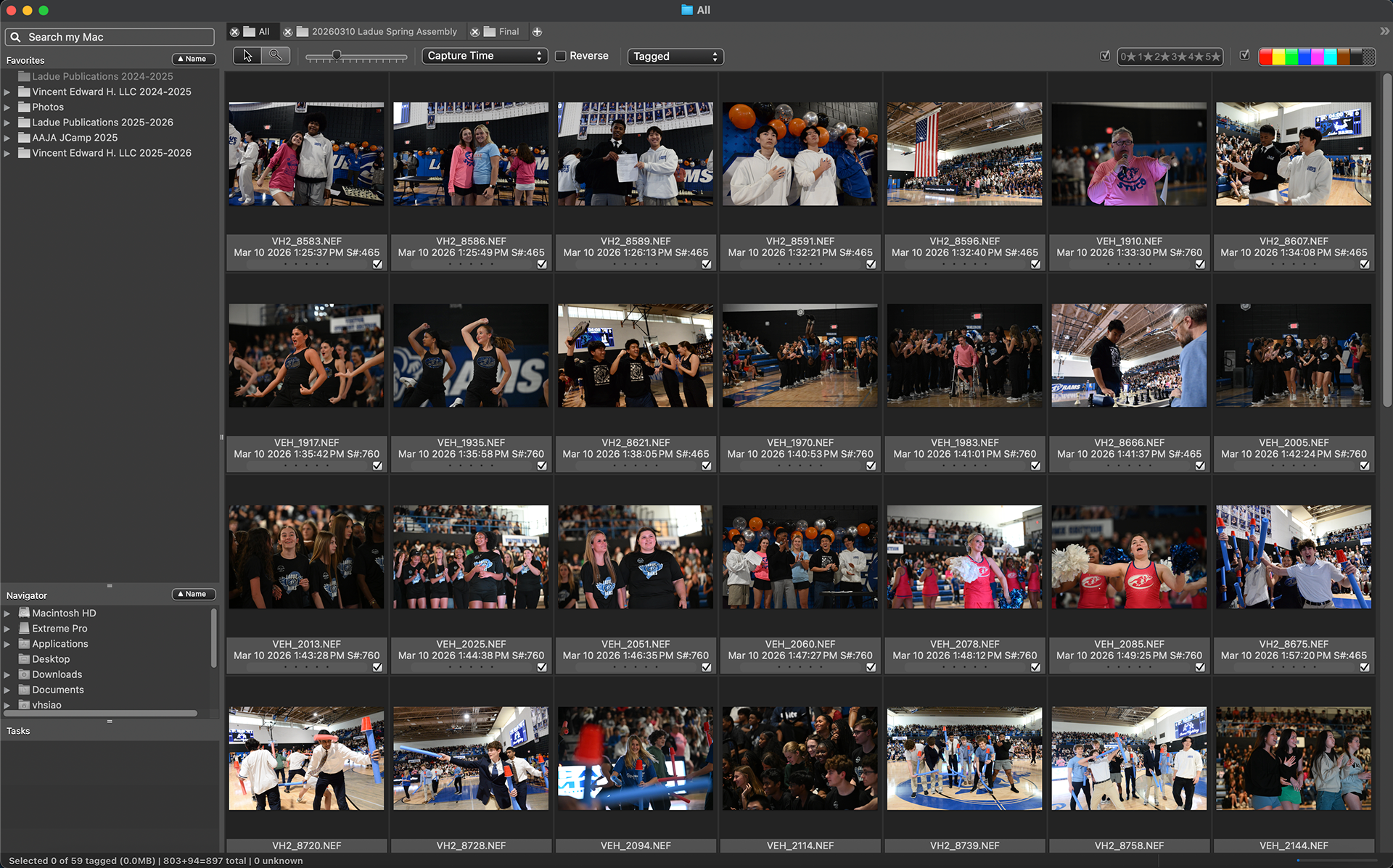
Briefly touched upon in my NHSJC presentations, I will more concisely explain my personal editing workflow here. I use Photo Mechanic to initially cull through my photos from an event, strategically selecting photos from the mindset of a storyteller. I will then edit my culled selection in Adobe Camera Raw, which is built into Photoshop. I am careful not to over-edit my photos to the point it no longer accurately portrays the scene. I don't force my staffers to use this exact setup, especially because Photo Mechanic is not installed on school-issued devices and has a separate subscription fee from Adobe. I do encourage them to use Photoshop/ACR though.

Example of initial culled selection in Photo Mechanic: 59 out of 809 photos total. Typically I do several passes to narrow down even further. Quality over quantity!
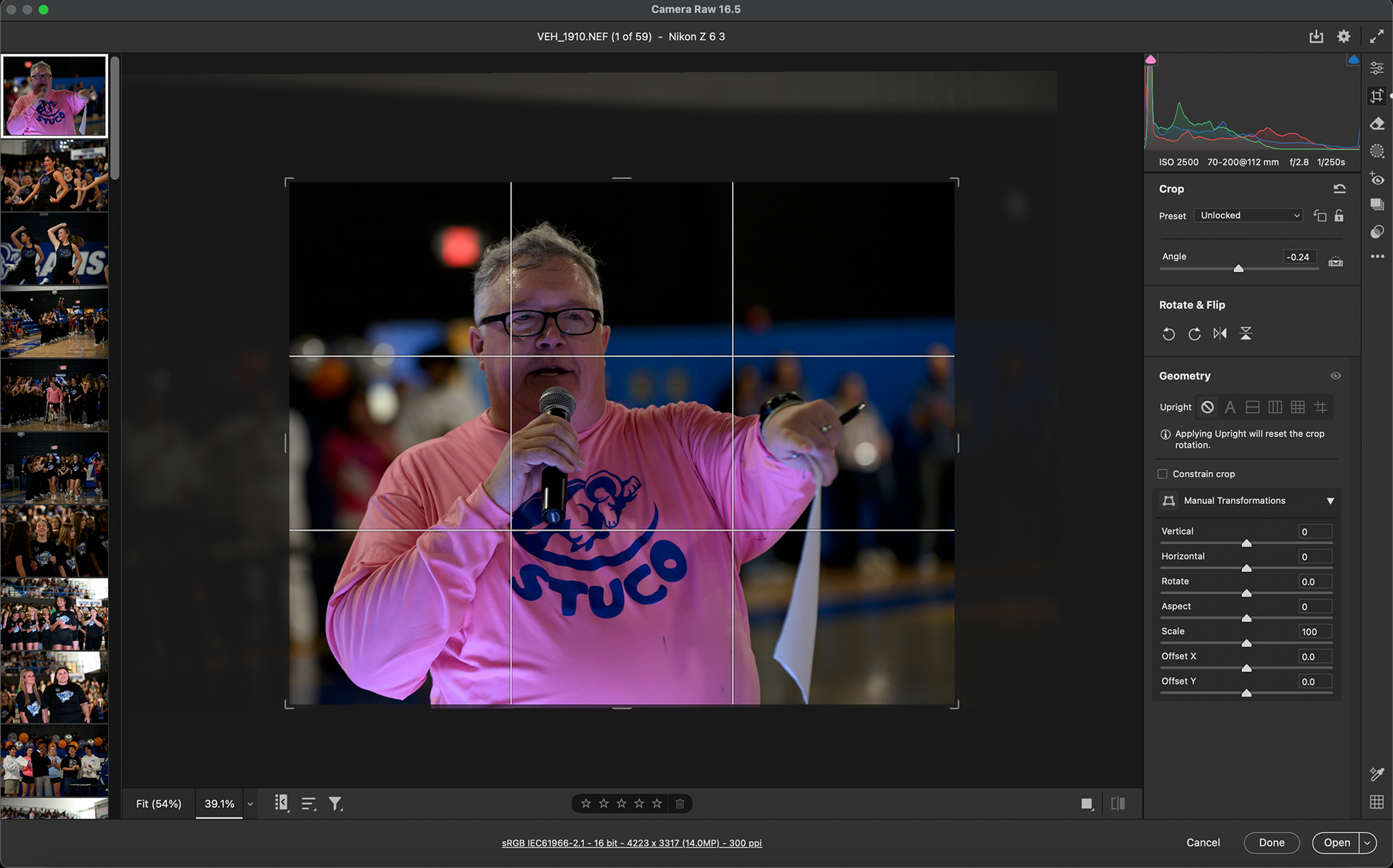
Example of photos opened in Adobe Camera Raw, with a filmstrip of all the photos to be edited on the left.
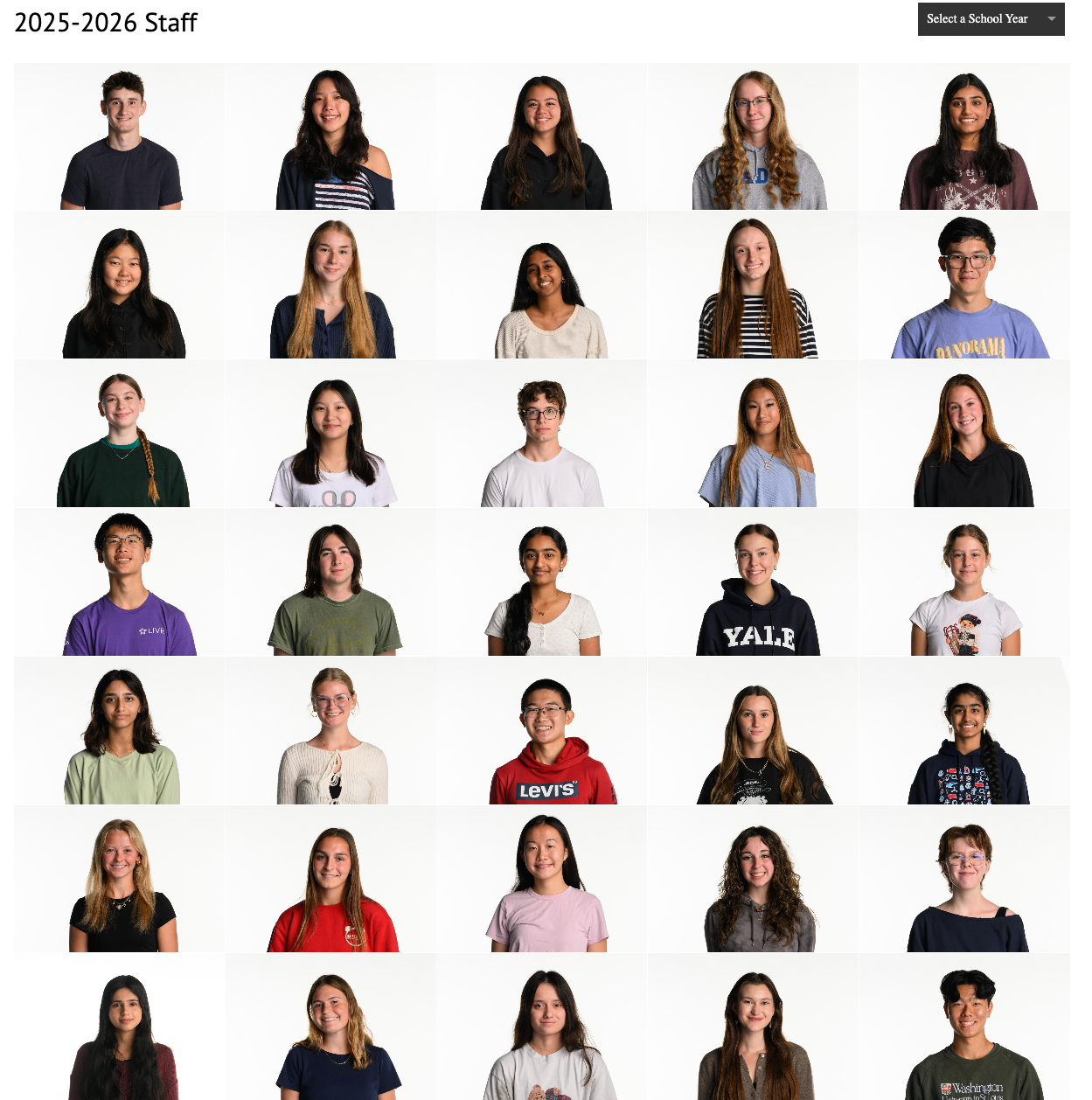
Team Culture Systems (staff headshots + themed editors’ photos)
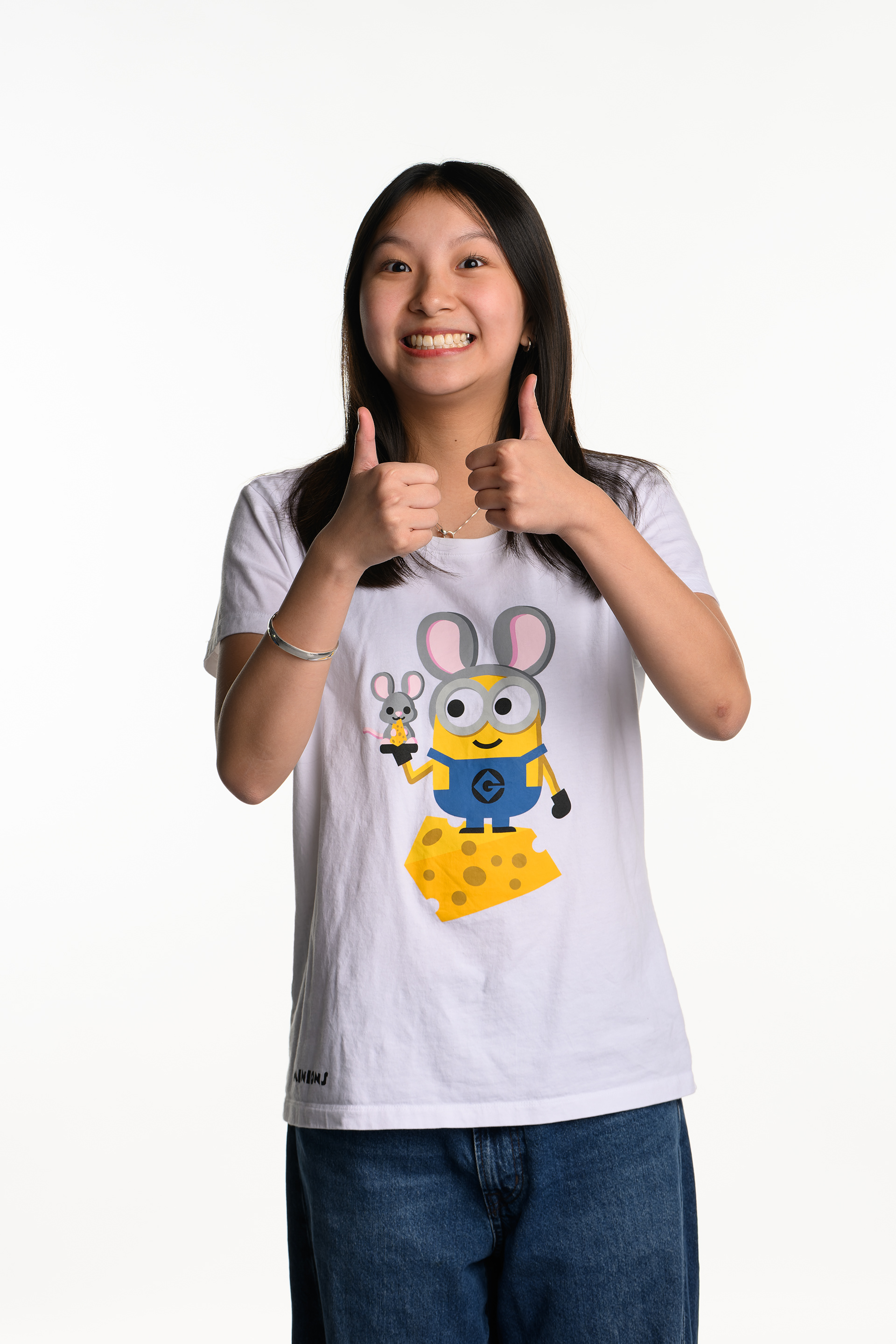
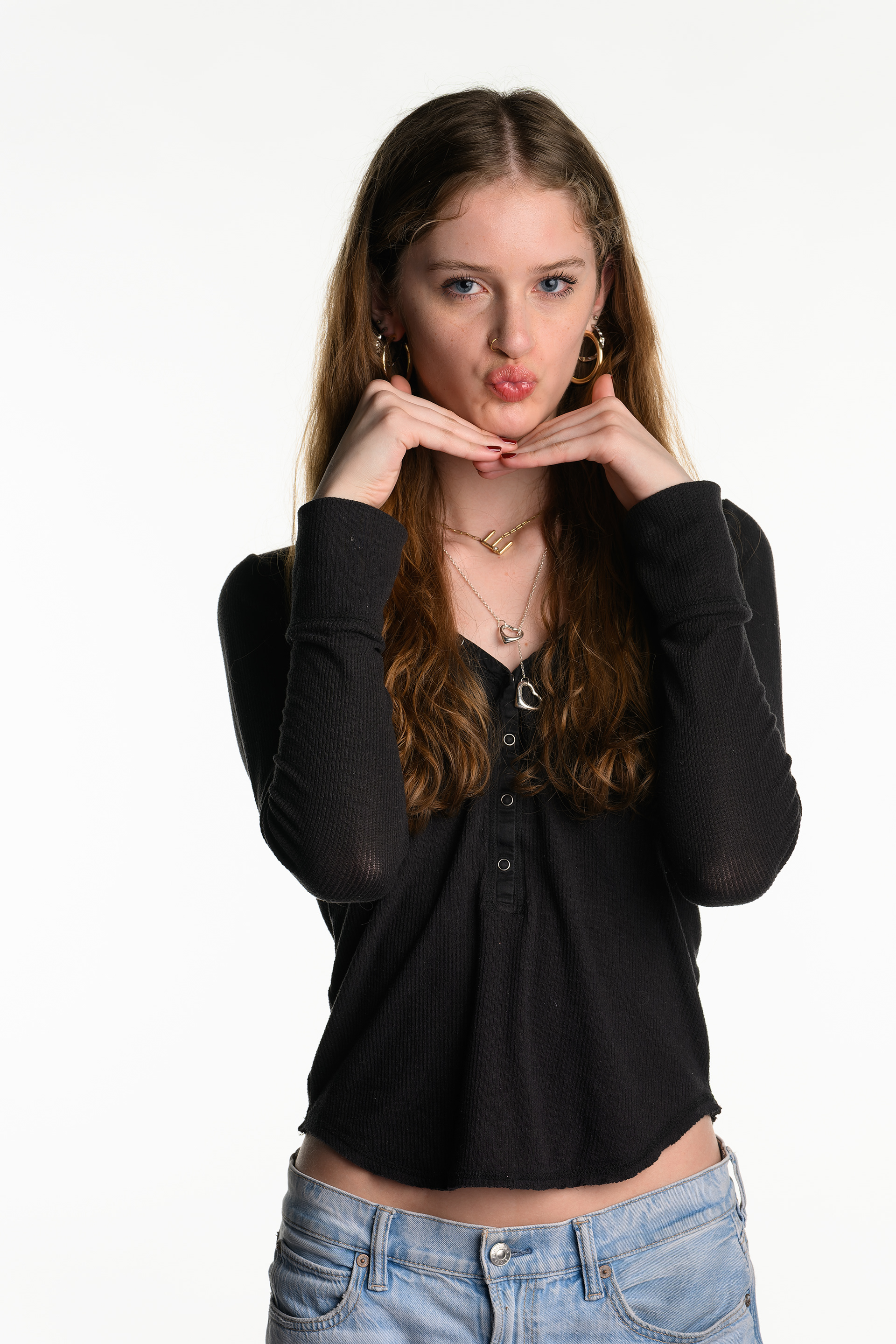
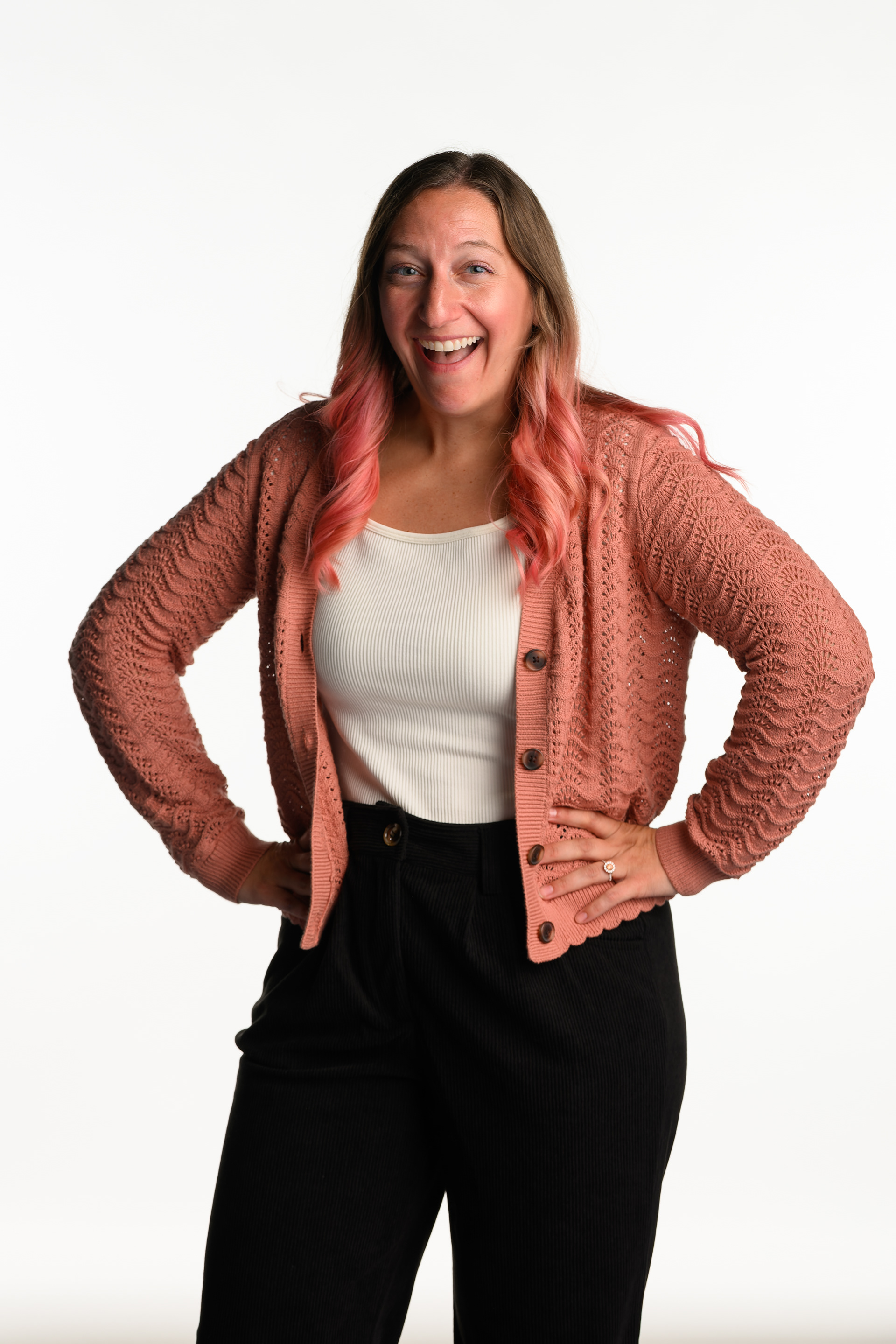
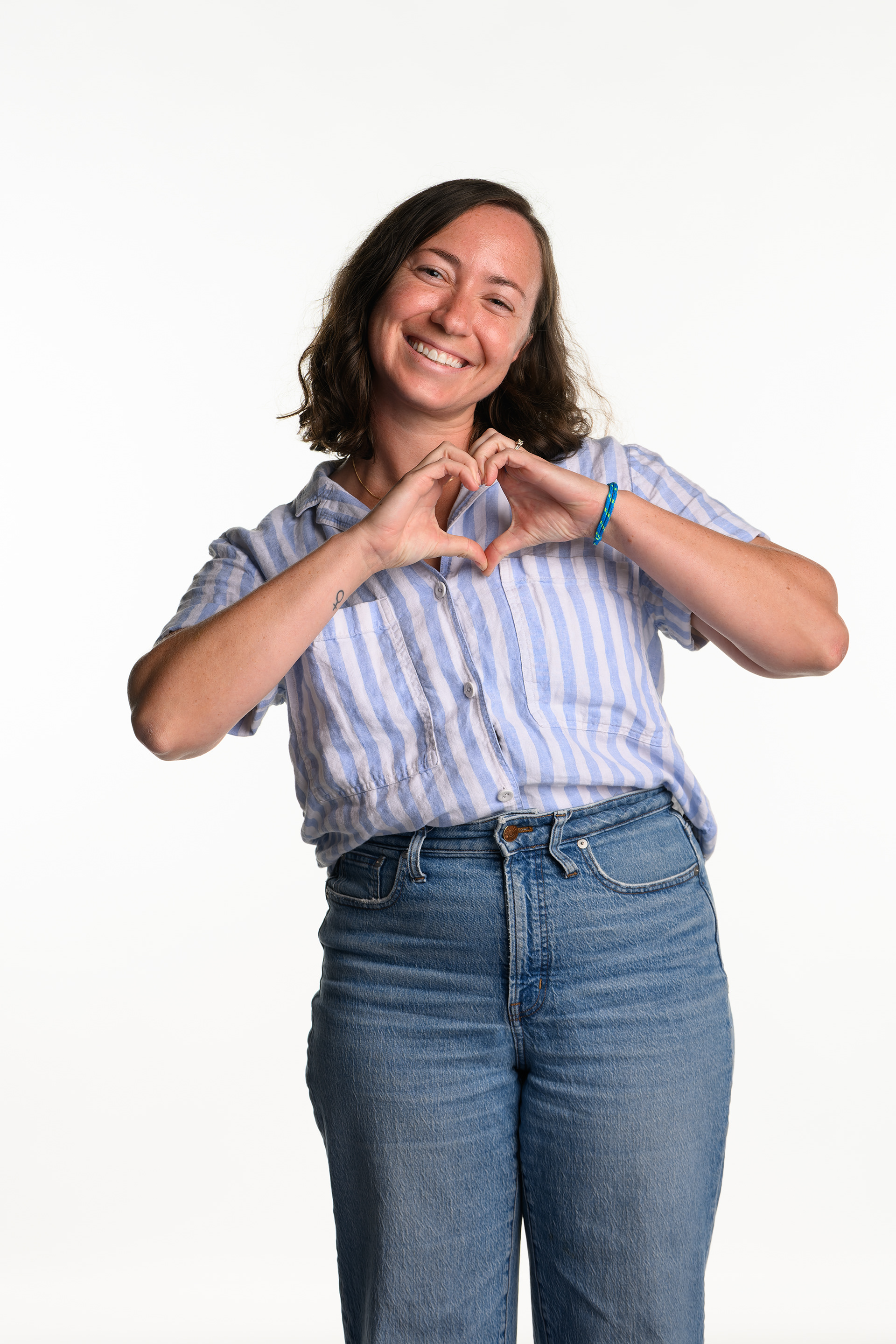
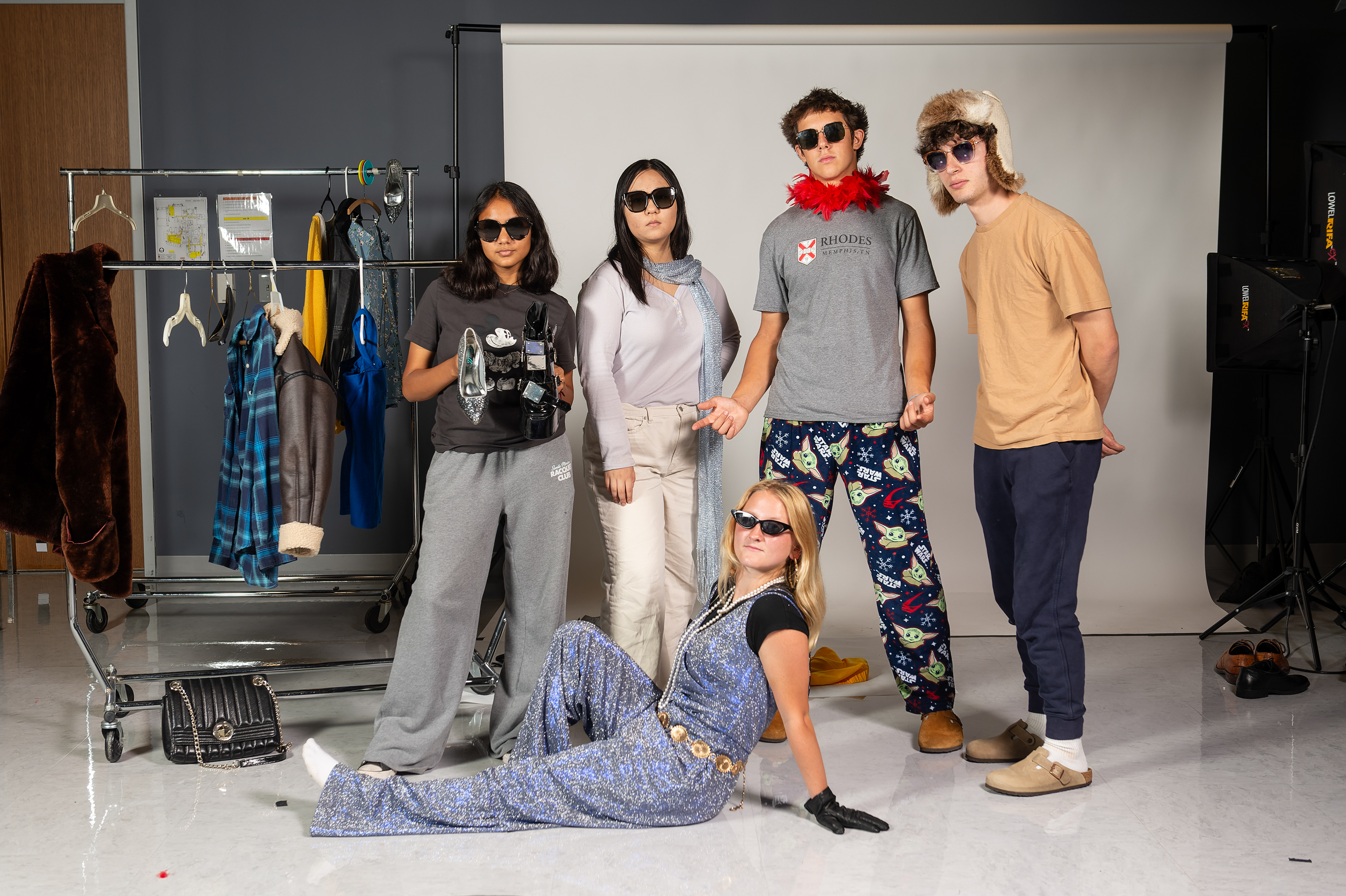
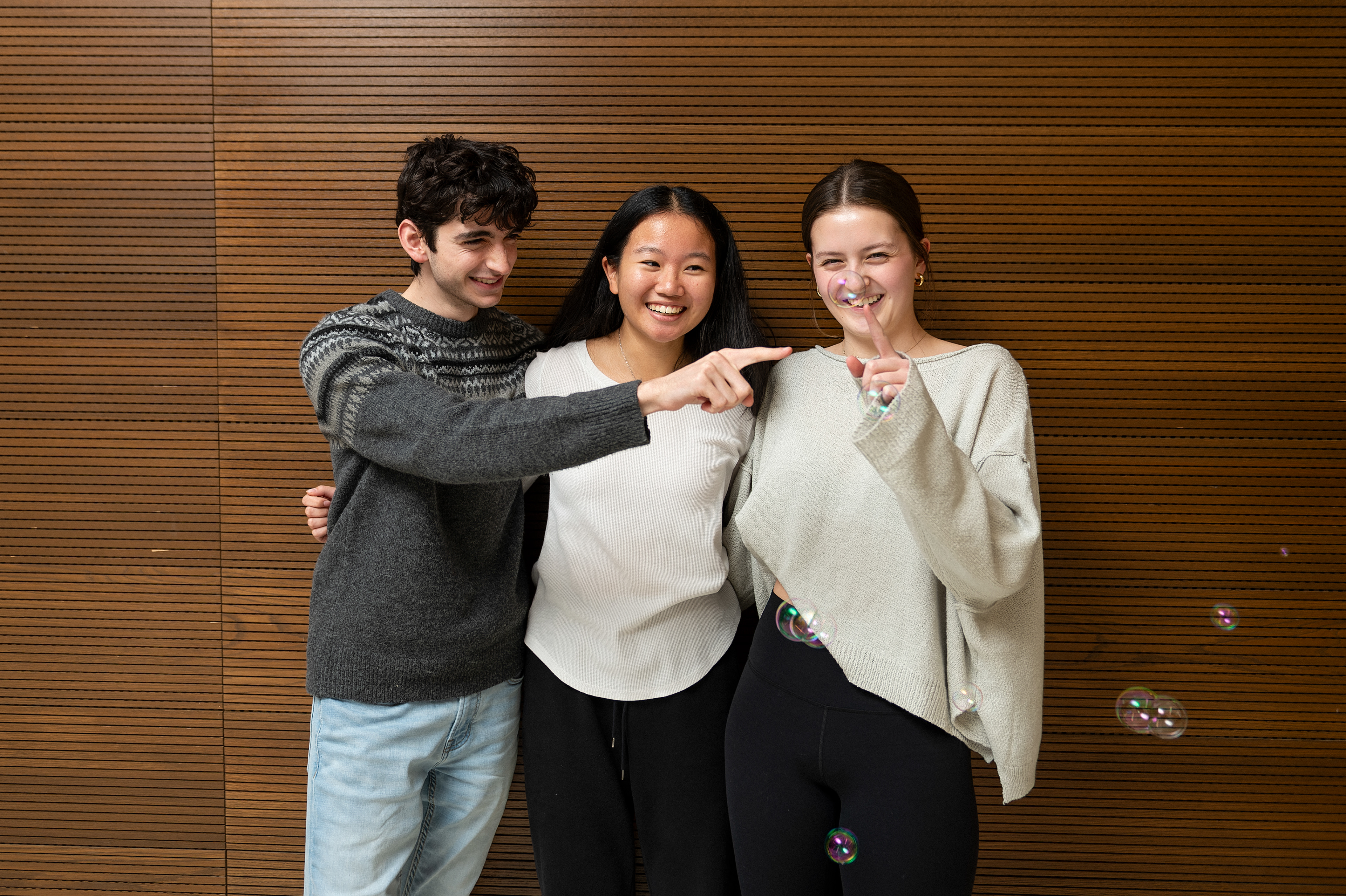
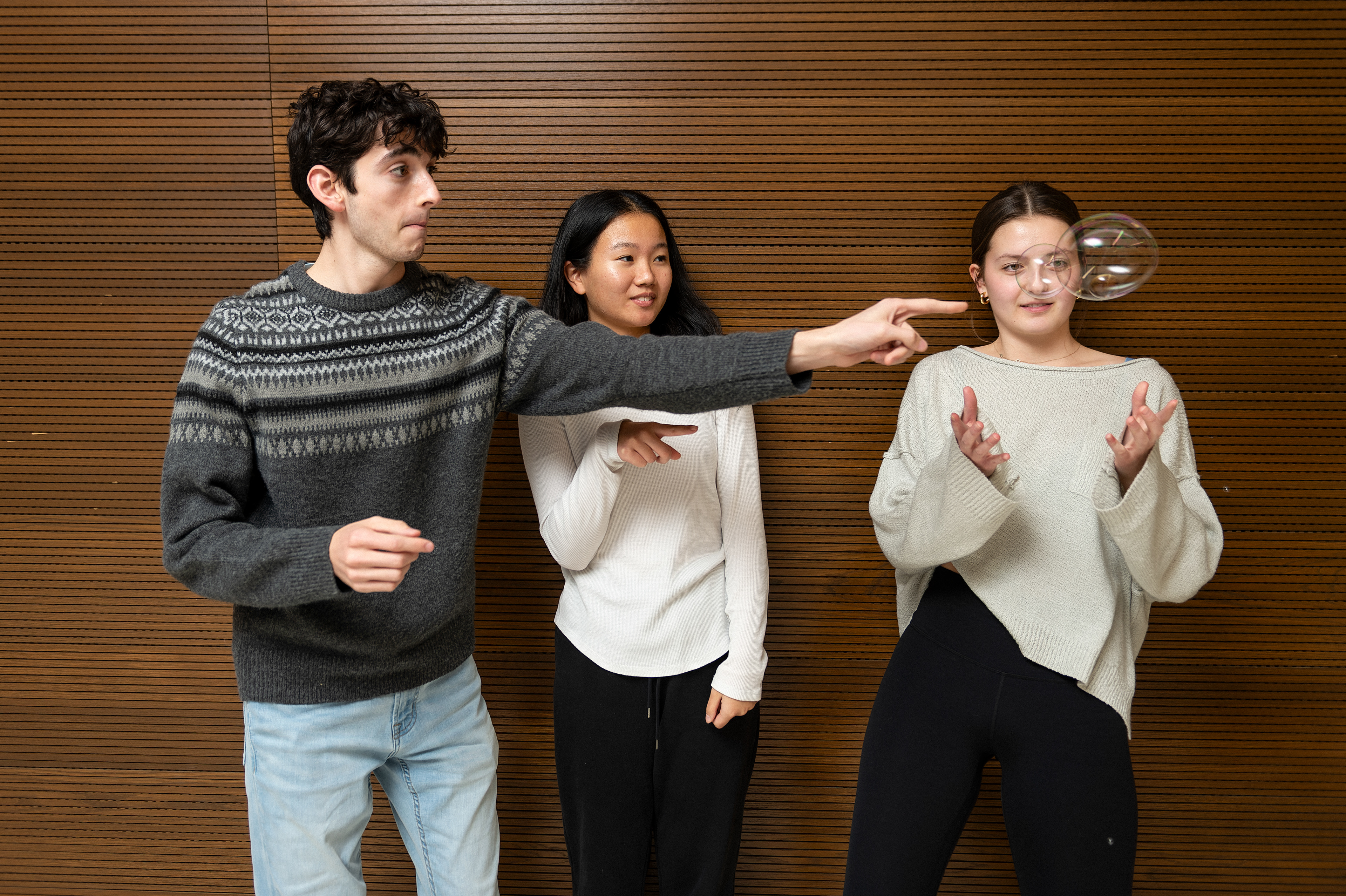
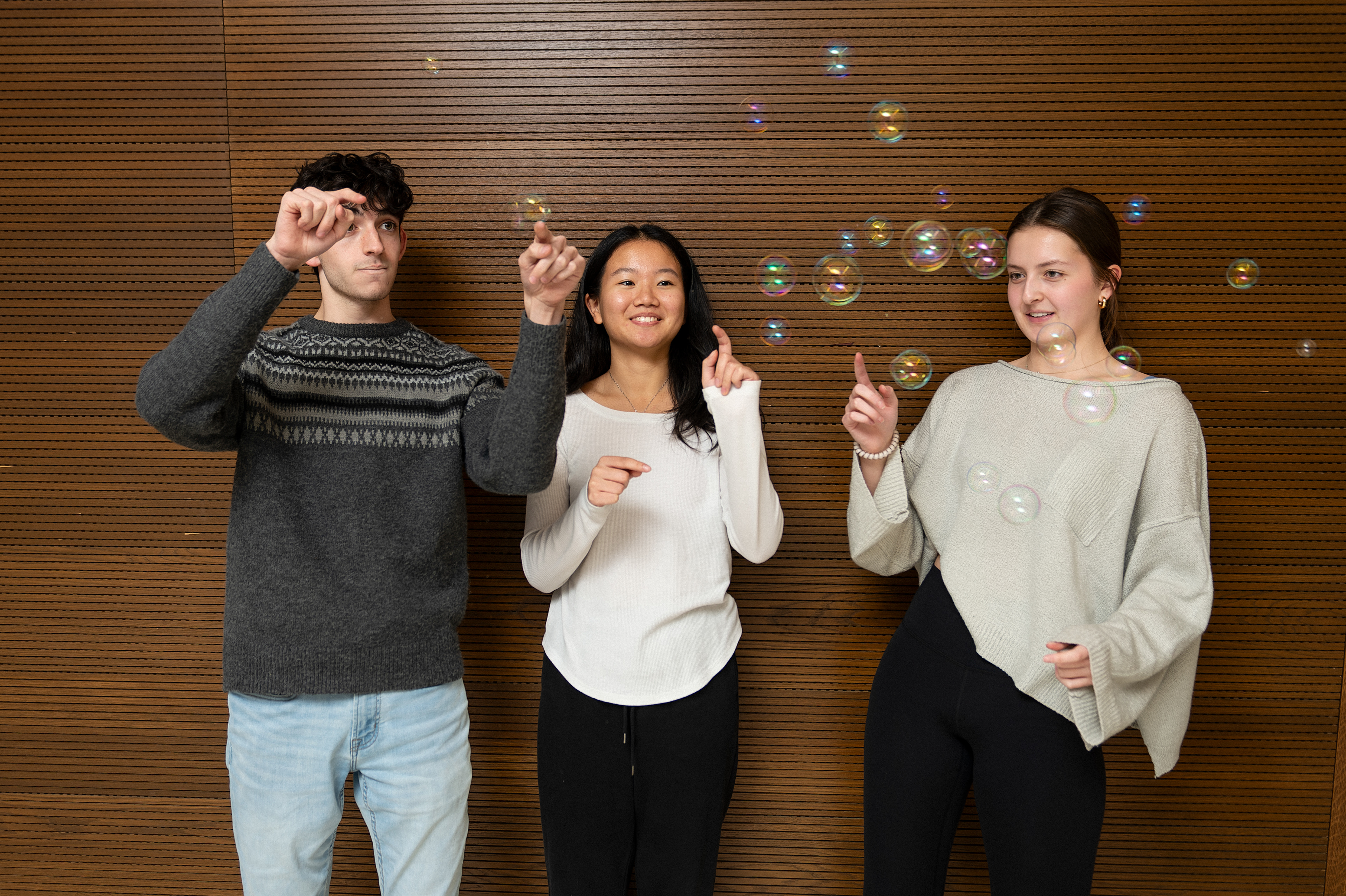
I run a fast, consistent staff headshot workflow so every staffer, new or veteran, gets their own professional and cohesive presence on LadueToday.com. The headshot process is efficient at scale (we can get it done in one class period), but it’s also culture-building: I do a standard “professional pose” plus a second “silly/fun pose” that we use for celebration/awards, which reinforces belonging and recognition (Commitment to Diversity). I also continued the tradition of an editors’ photo next to each month’s editor’s note, while transforming the style of the photos to creatively fit a theme of the newsmagazine, e.g. fashion in-depth studio concept; nature issue outdoors with pets; bursting the bubble political polarization in-depth. These have always been one of my favorite Pano traditions that has also strengthened team rapport and created a shared, styled identity across issues.

Click on image to view site. All photos except mine are by me. My headshot by Alex Du (used my setup)
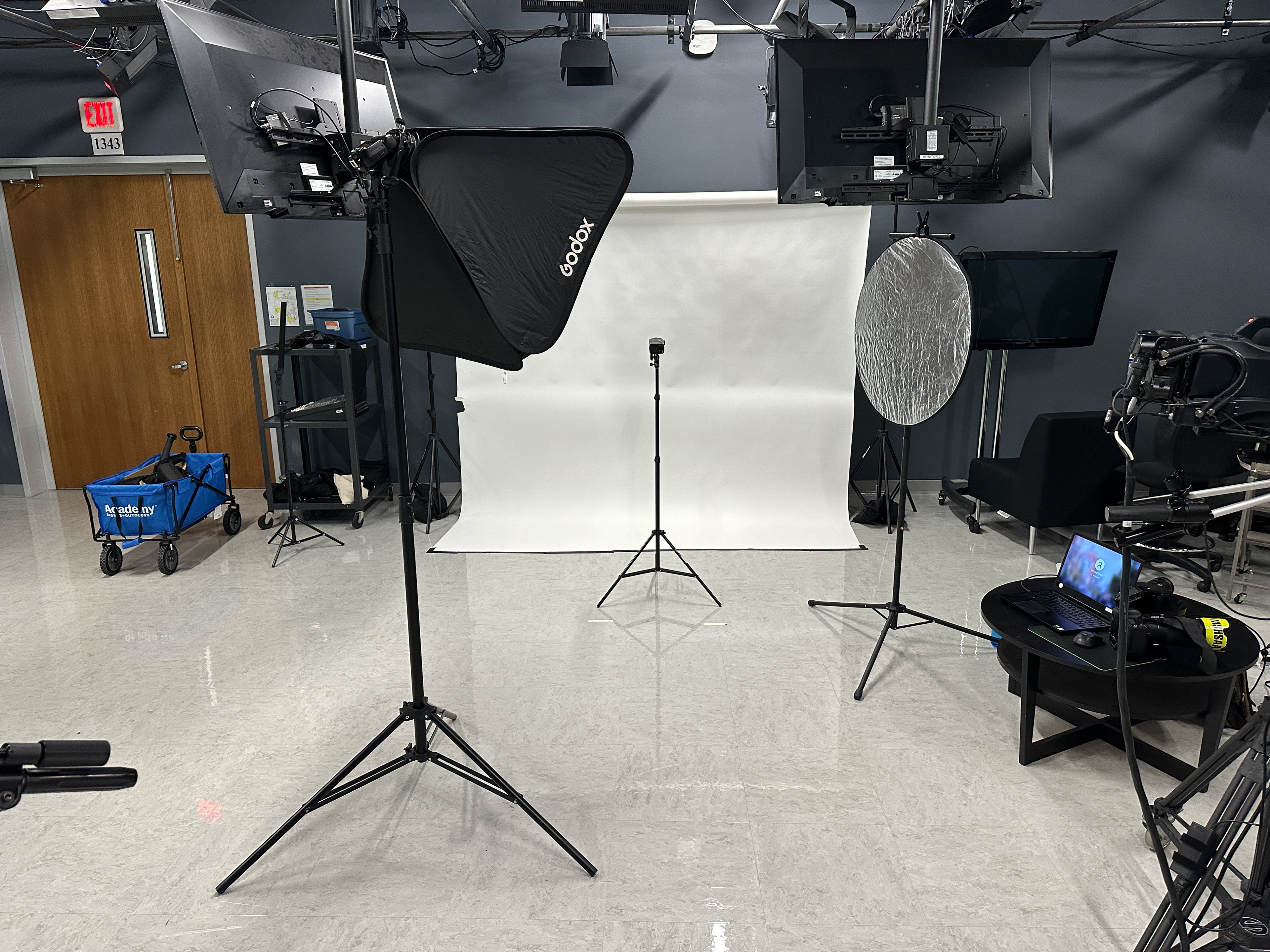
2024-2025 headshot setup behind the scenes. I had each person stand in front of the background light stand.
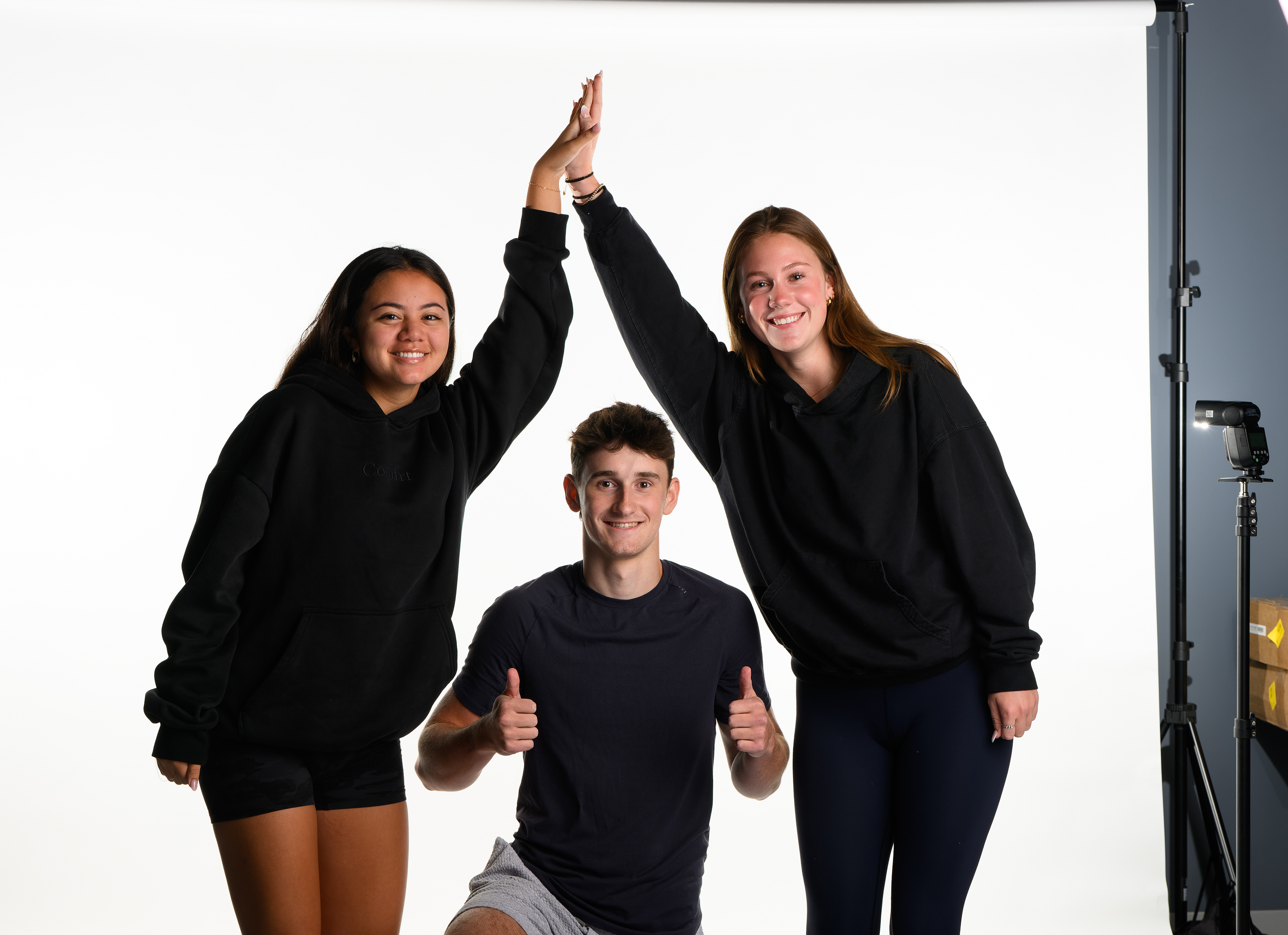
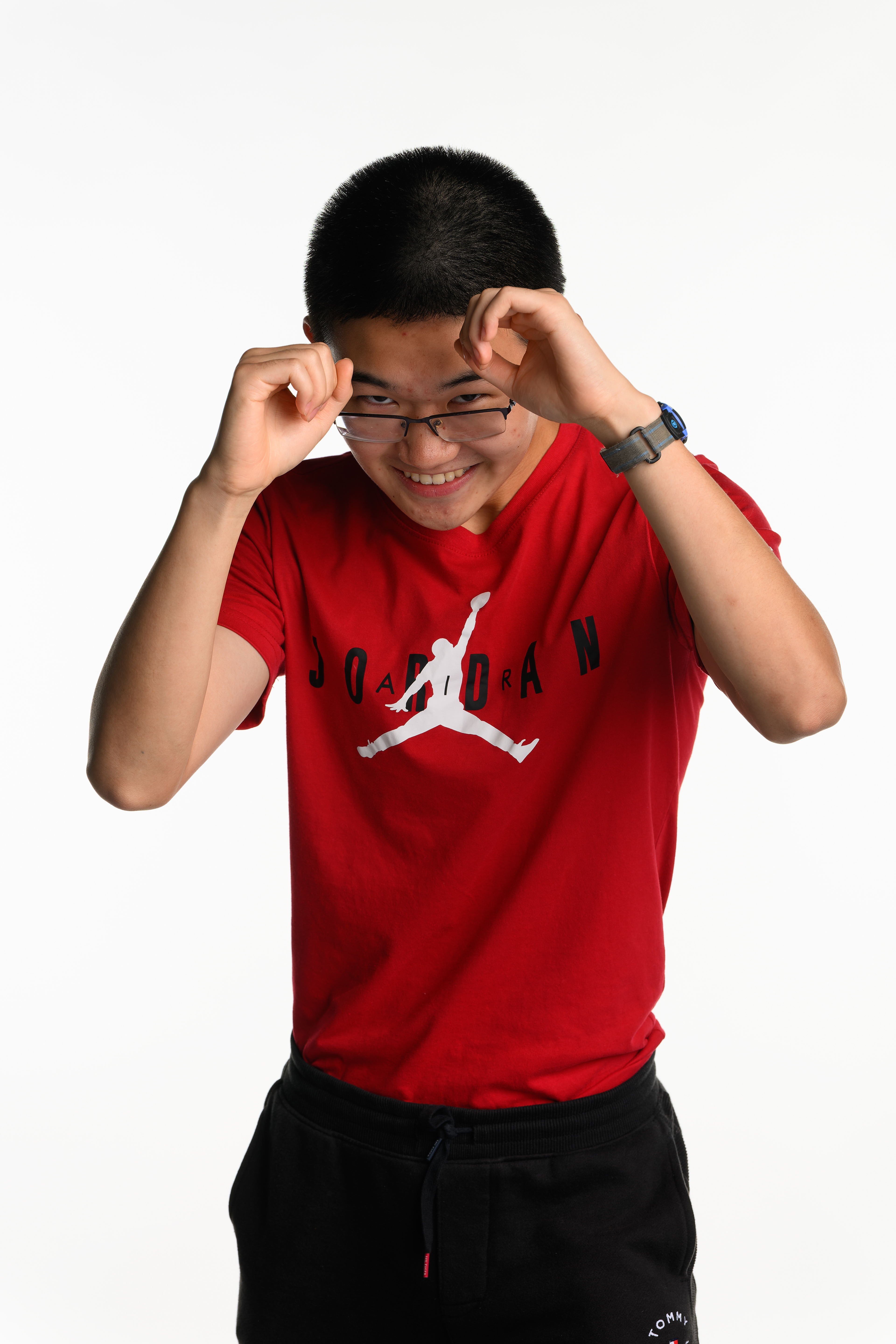
Example "silly" headshots which every staffer is entitled to, after the "professional" pose. Used in staff celebrations every month.

The photo matches the in-depth section and cover "fashion" theme for that month. Click on photo to view on Issuu
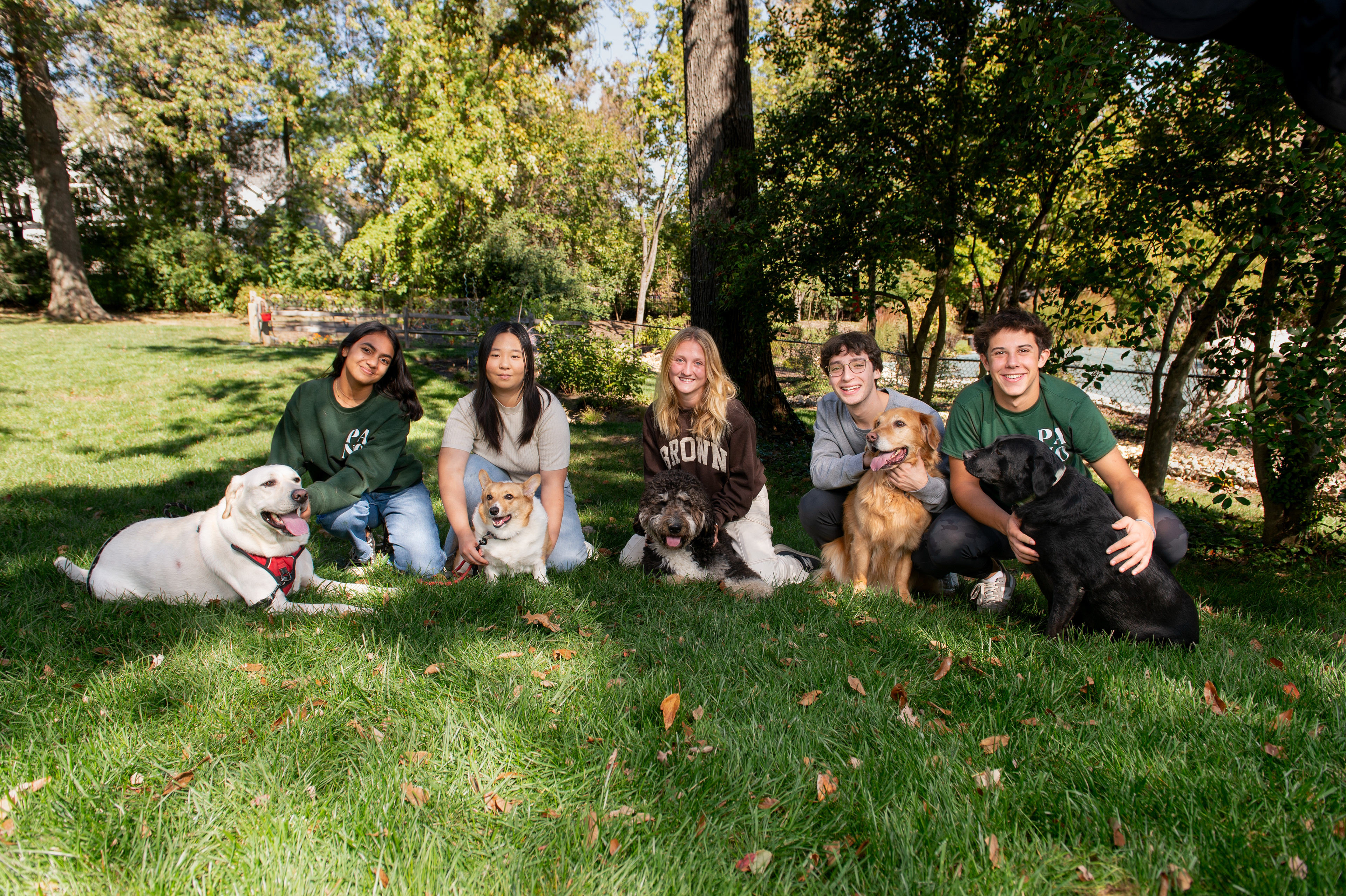
We went to one editor's backyard; all but one editor were dog owners (one brought two dogs). The photo matches the specialty "nature" theme for that month. Click on photo to view Issuu
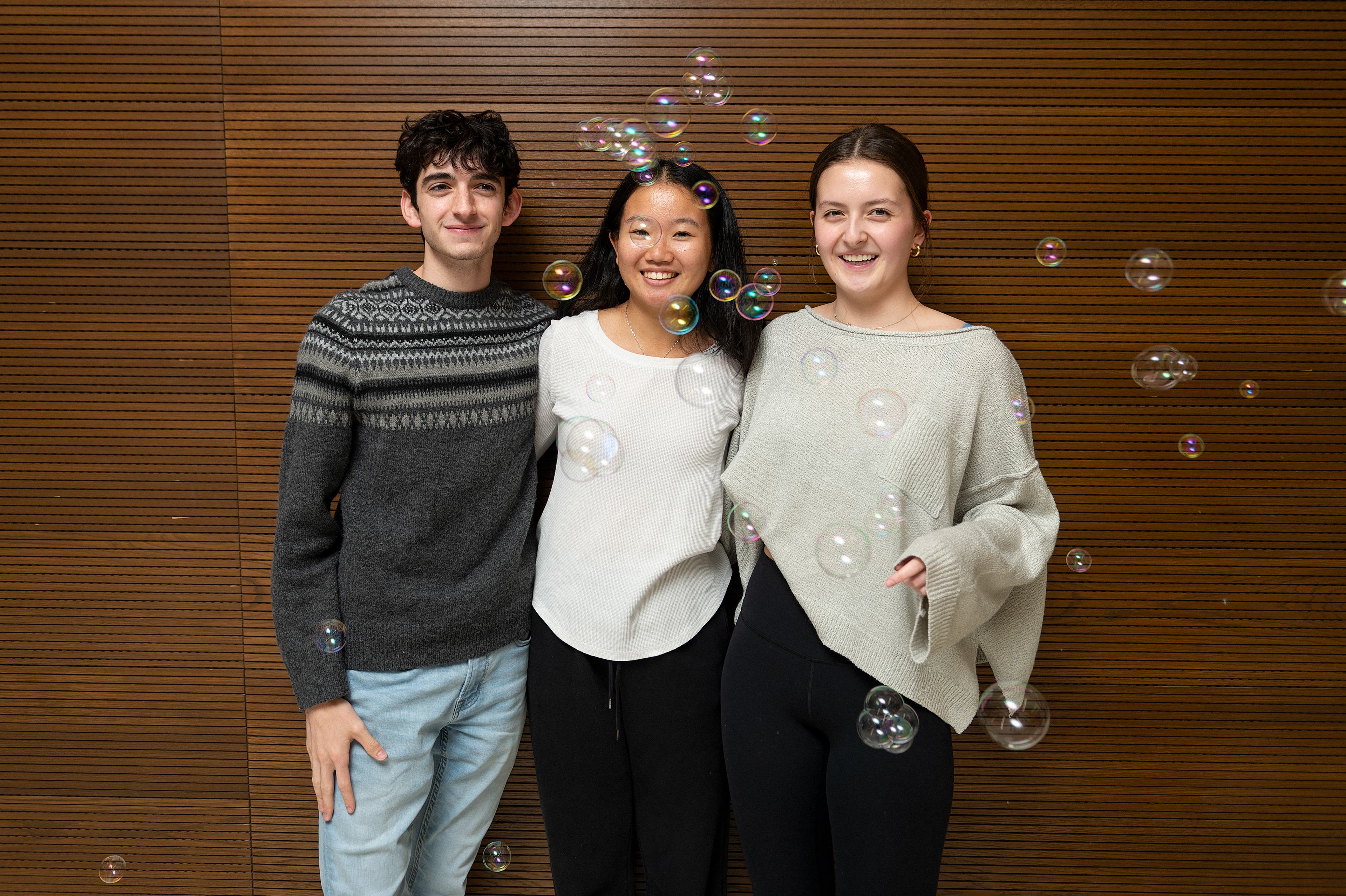
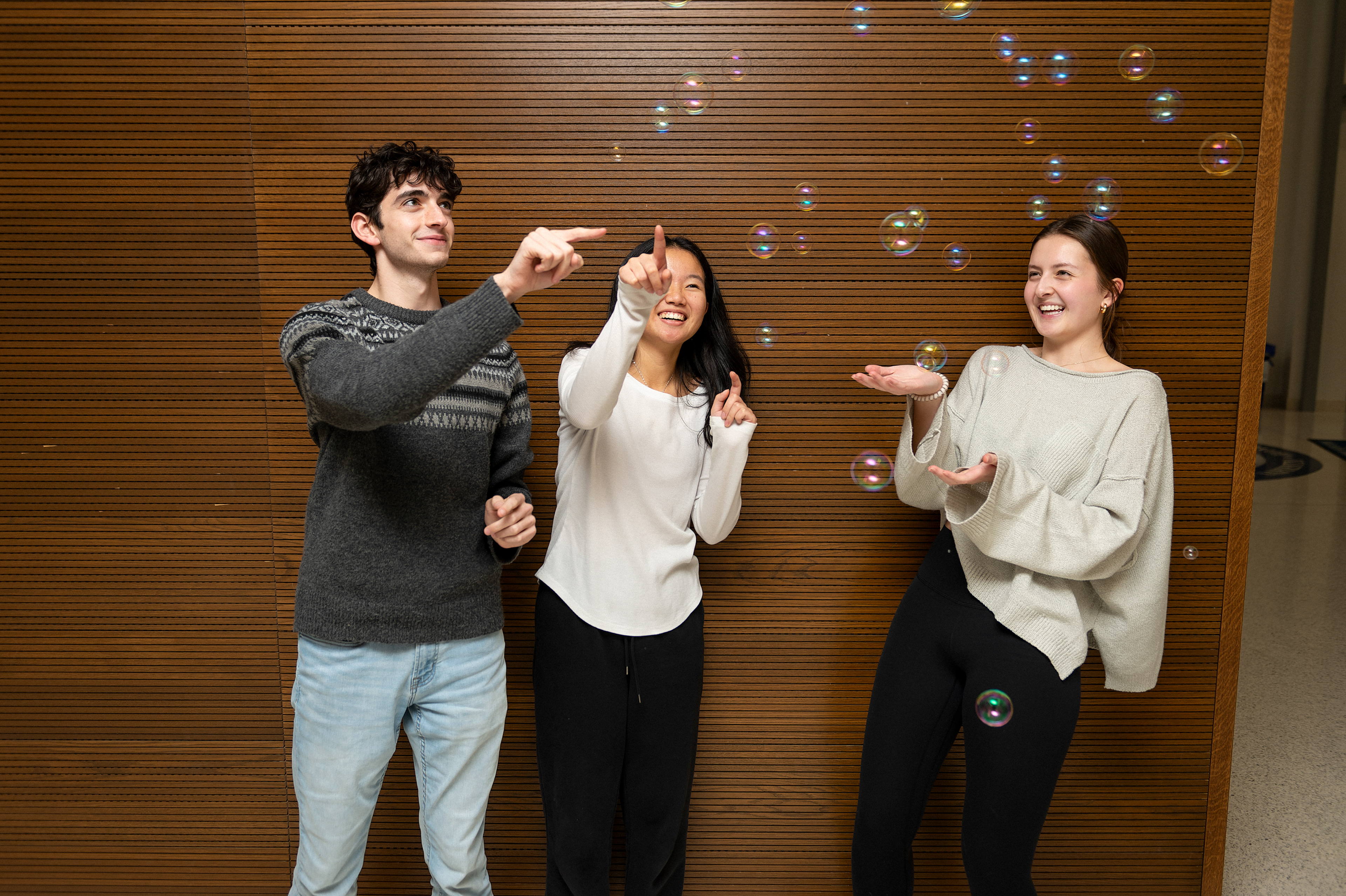
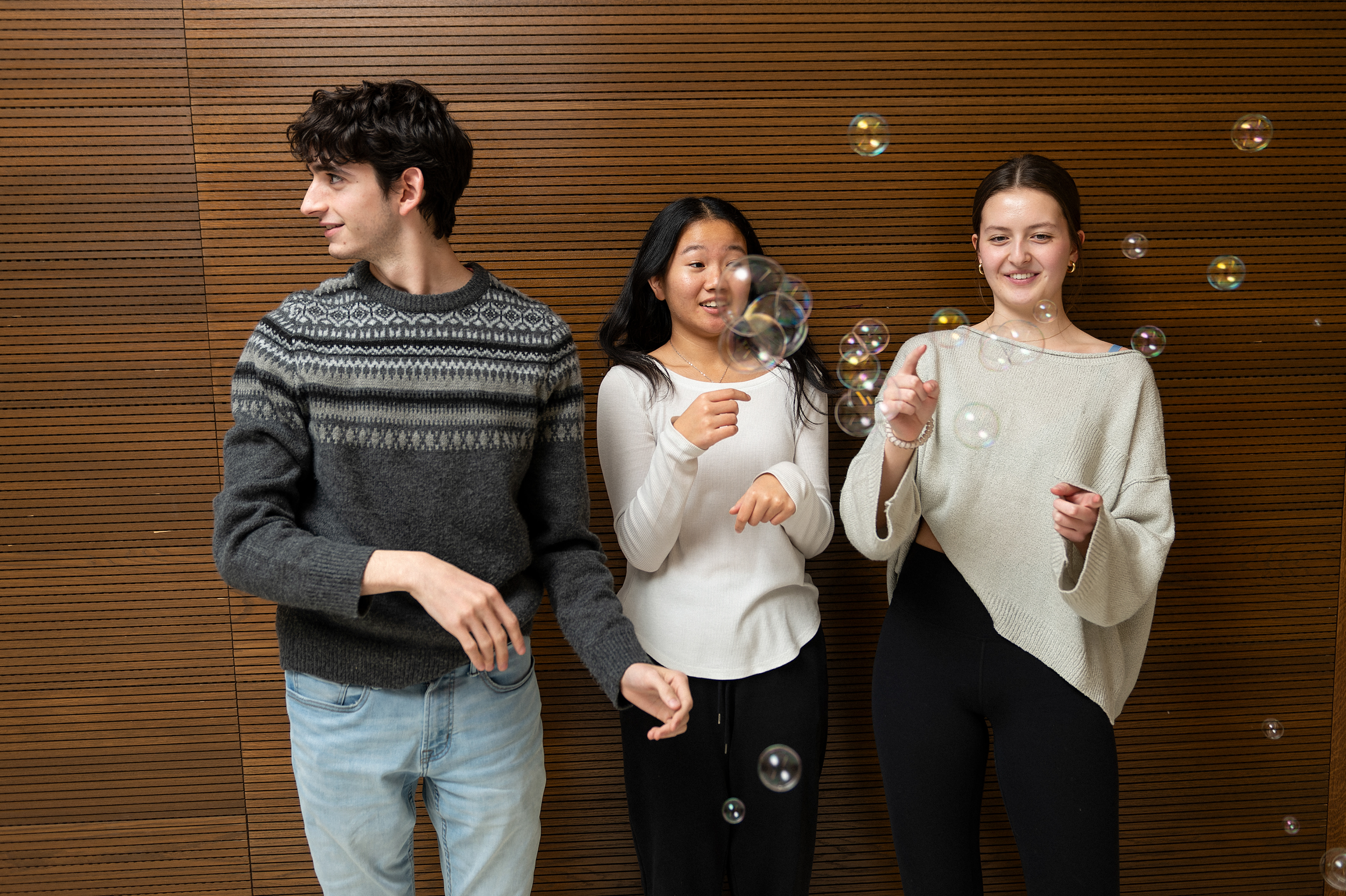
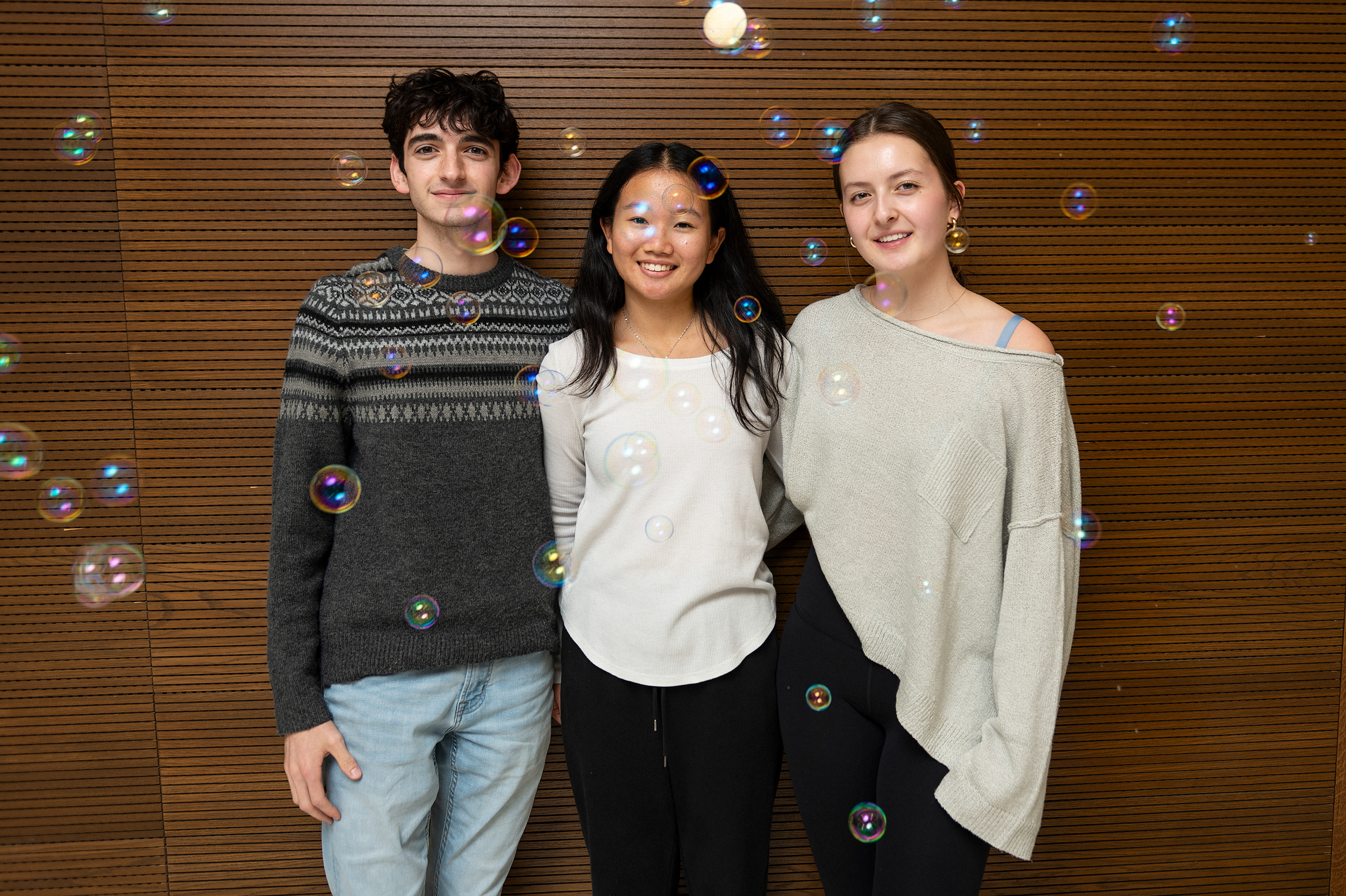
Bubble fun with 2023-2024 EICs. In-depth on political polarization and "bursting the bubble." Two photos selected as editors' photos and published in the Panorama November 2023 Issue
Between Pano and ID, many more editors' photo examples are on Issuu as well
For an example of self-editing old copy, see Reporting and Writing for a reflection on an Intro to Journalism piece on how I would rewrite a column.
Back to Top